Zu Pilgerhelfer Xaver Hagengrubers erstem Sterbetag am 7. Mai 2025
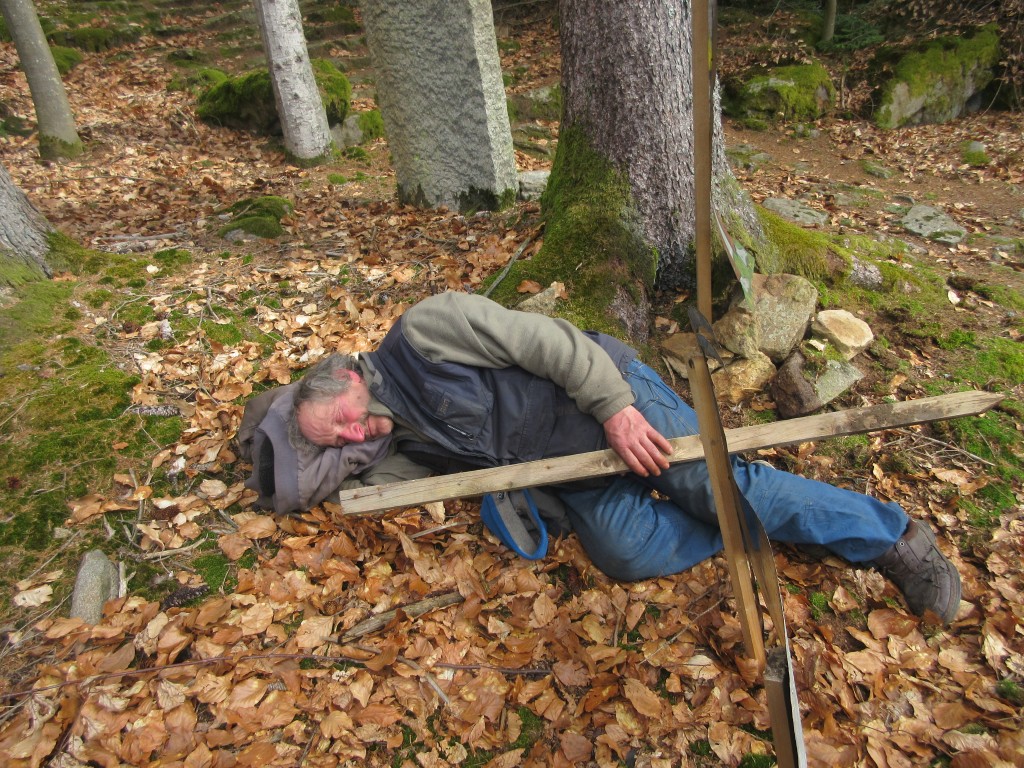 Xaver schläft im Wald bei der Wolfgangskapelle
Wie soll ich passende Worte finden um zu beschreiben, wie das war mit Xavers Leben und Sterben? Er ist den steilen und steinigen Weg zum Gipfelkreuz gegangen, nicht den flachen, allmählichen, der auch zum Ziel führt. Xaver war extrem hart in Nehmen , gestählt durch seine freiwillige Armut seines sehr einfachen Lebens am Hof mit unseren paar Tieren.
Was haben wir für Gaudi gehabt, haben das Leben angelacht und ausgelacht und gemacht, was wir für wichtig hielten! Dann gab es noch die Tage, wo Xaver nichts als die Flucht ergriff vor der Härte und Einsamkeit seiner Einsiedelei. Hauptsache weg von hier! So viele Baustellen außen und innen, die es zu überbrücken galt. „Über 7 Brücken musst du geh’n!“
Ast für Ast wurde durch Ungewitter von seinem Lebensbaum abgebrochen. Doch immer wieder trieb er Blätter und Blüten aus. Dann aber wurde sein Stamm durch eine Krebserkrankung von innen ausgehöhlt. Ich erinnere mich, er hatte sich bei einem Sturz eine Rippe gebrochen und war noch ganz lustig drauf und schmiedete Pläne für den kommenden Abend. Und auf einmal kam dieser laute, unendlich laute, lange Schrei. Ich organisierte einen Krankenwagen. Man brachte ihn in die Klinik – sie konnten nichts finden. Xaver war auch vollkommen ruhig und schmerzfrei. Nicht Rippe in Organ eingespießt oder so. Sie lieferten ihn wieder zum Hof, nachdem ich eine Nacht Überwachung im Krankenhaus erbeten hatte.
Wochen später: Es ist ein klarer und schöner Maitag. Unser verehrter Freund, der Altpfarrer Ernst-Martin Kittelmann kommt mit in die Klinik in der Donauebene. Es waren die letzten Stunden. Das Vaterunser ist noch da, kräftig und vollkommen. „Der Herr segne deinen Eingang und Ausgang..“
Zwei Stunden später brachte man ihn für eine Notoperation zu seinem ursprünglichen Chirurgen nach Viechtach. Dort angekommen schied er noch im Krankenwagen aus dem Leben. Xaver ist im „Woid“ gestorben.
(Dorothea Stuffer)
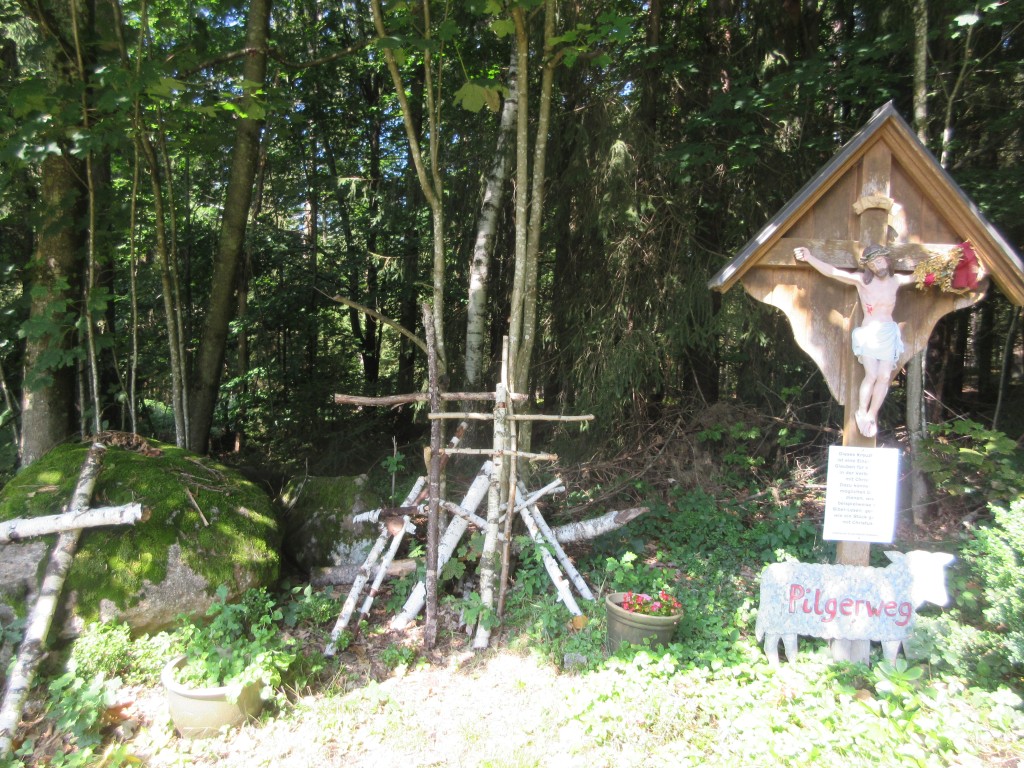 Birkenkreuze
am Kreuzweg zur Wolfgangskapelle
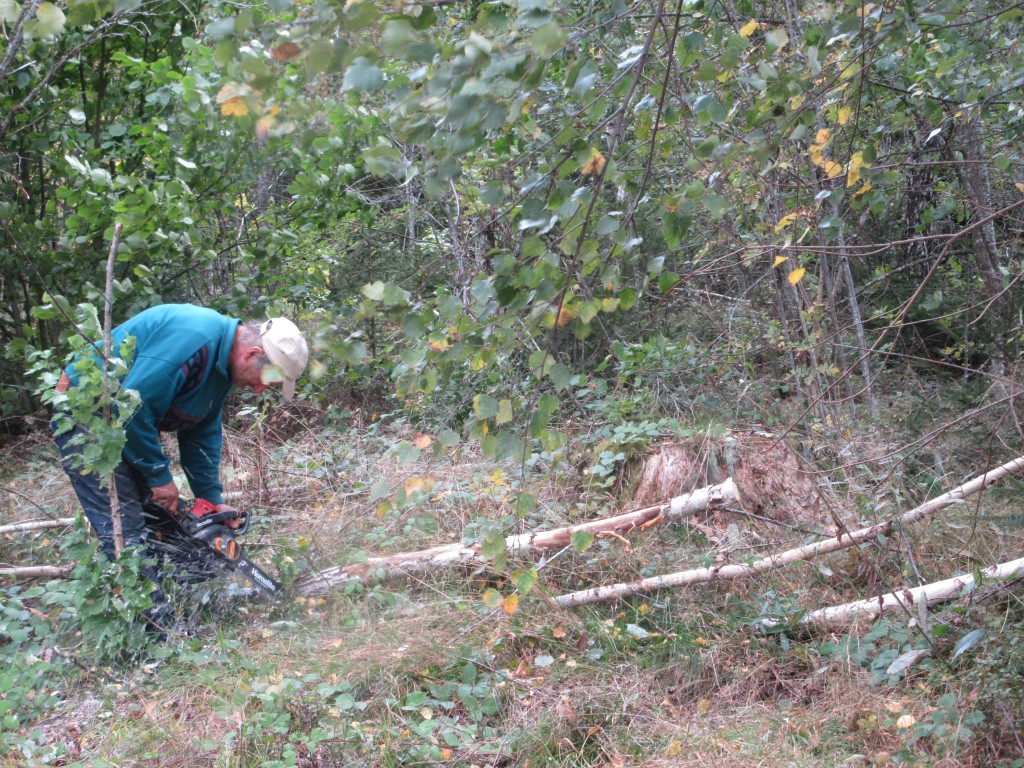 Birkenstämme für die Kreuze schneiden
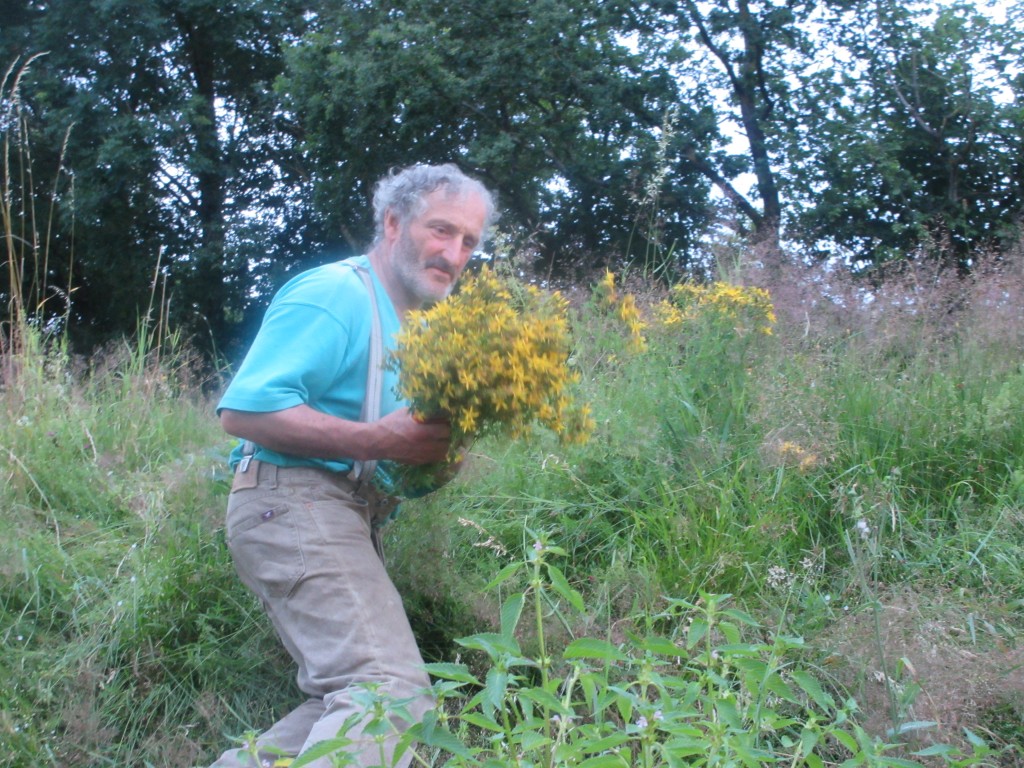 Johanniskraut pflücken
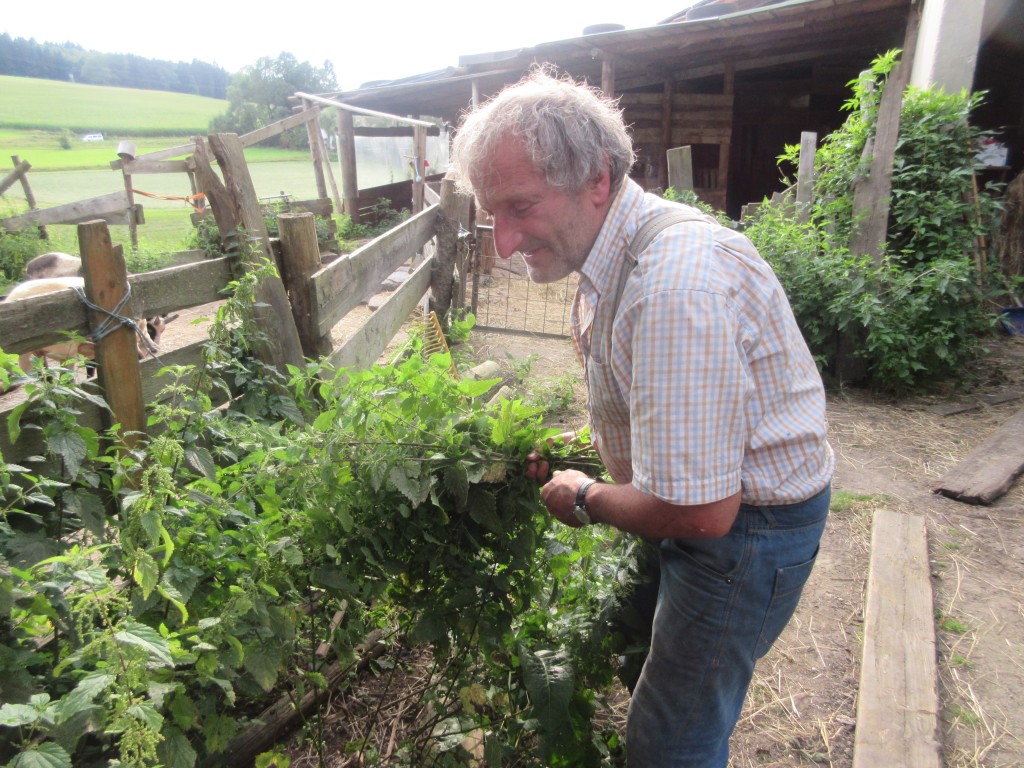 Einen Strauß Brennnessel pflücken
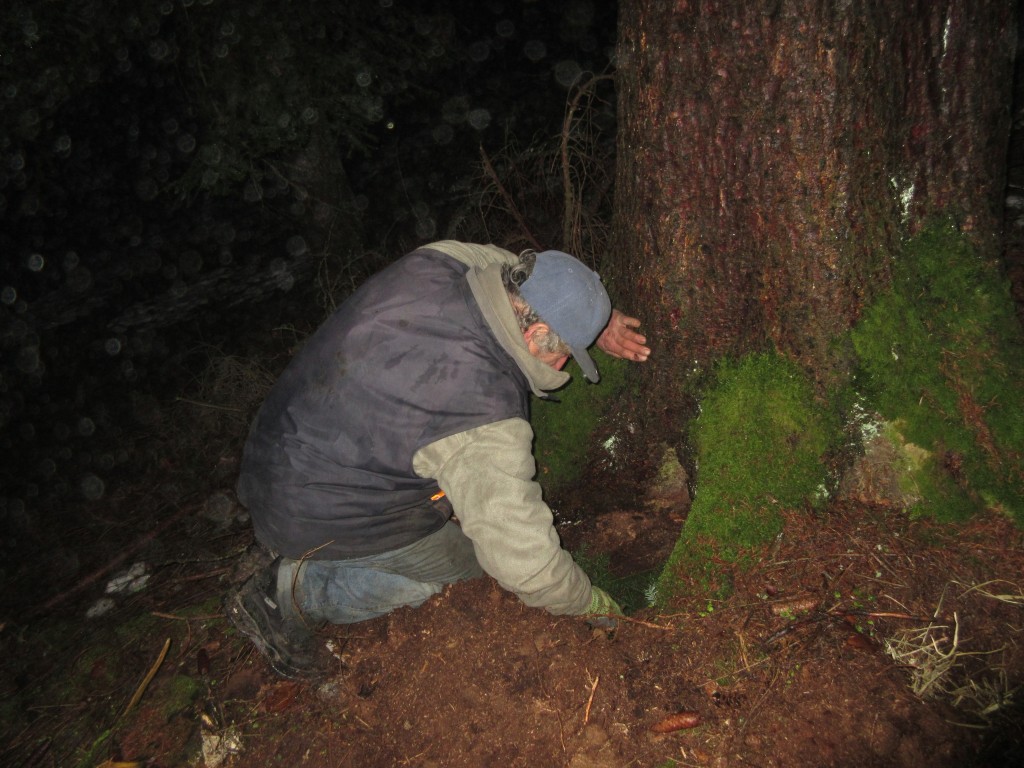 Xaver als liebevoller Totengräber
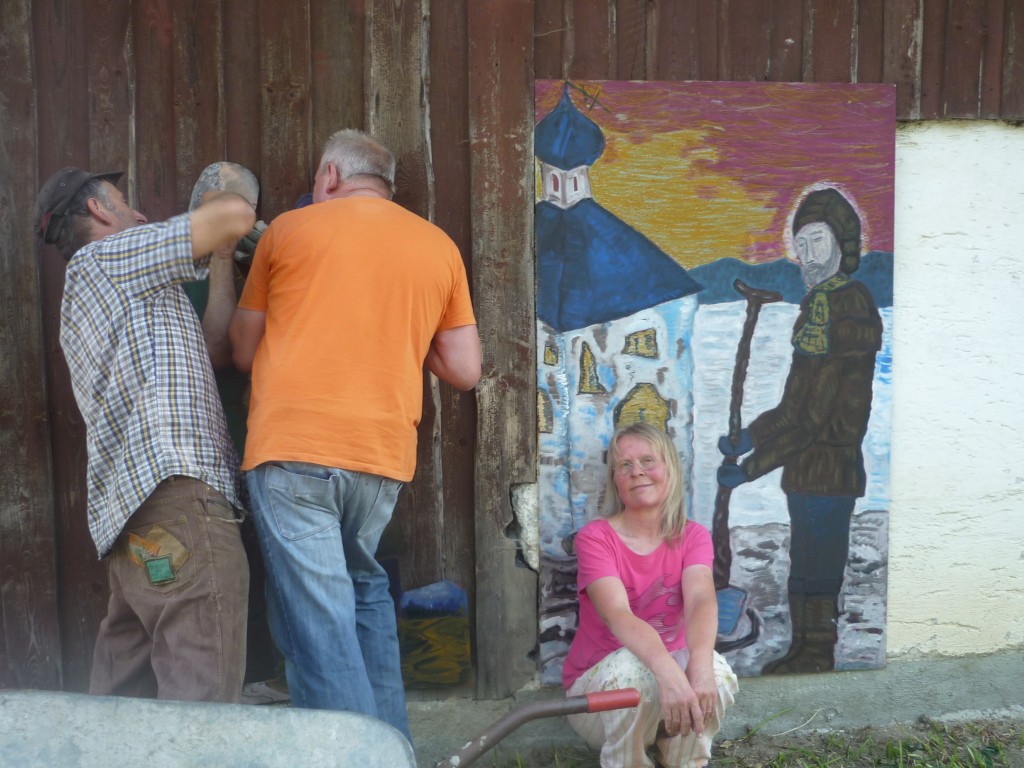 Aufstellen von „Xavers Lebensgeschichte“ am Xaverhof: „Durch Wiederaufbau Gutes tun“
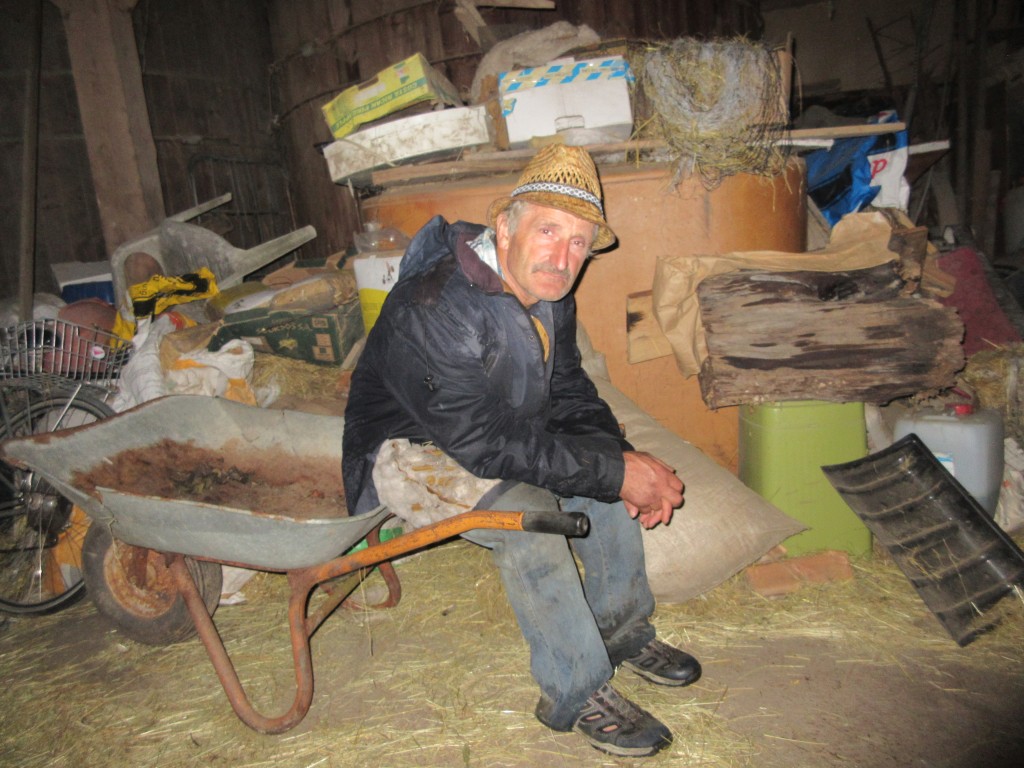 Bei Regen im Schubkarren sitzen und warten
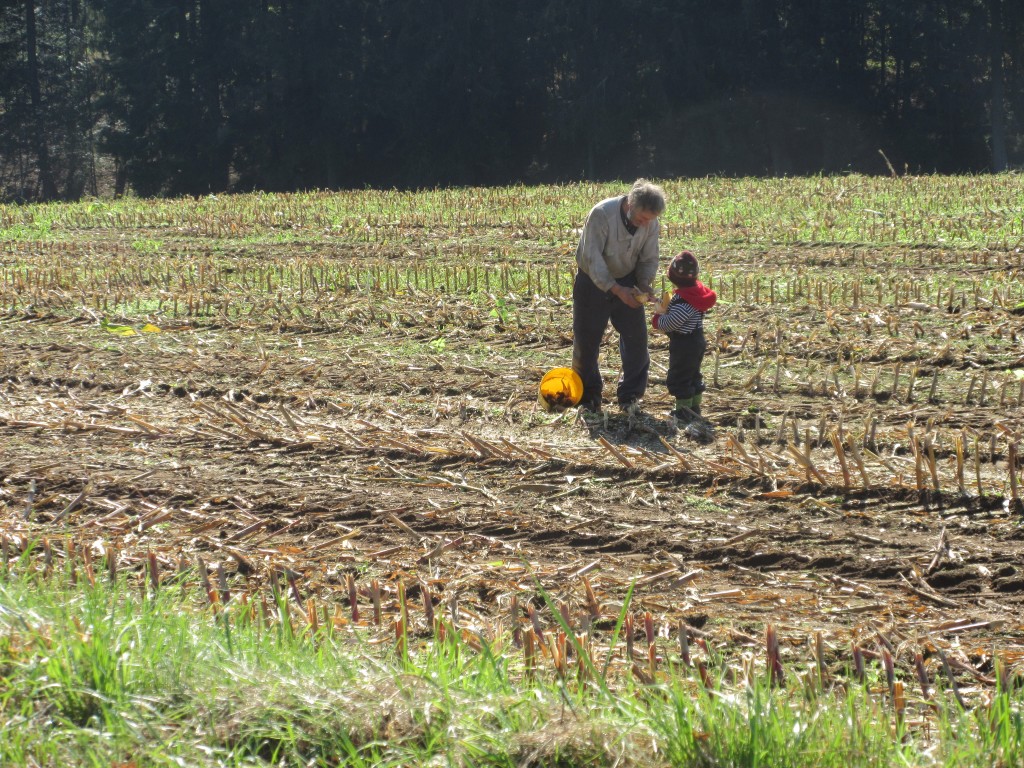 Mit Lena Maiskolben einsammeln
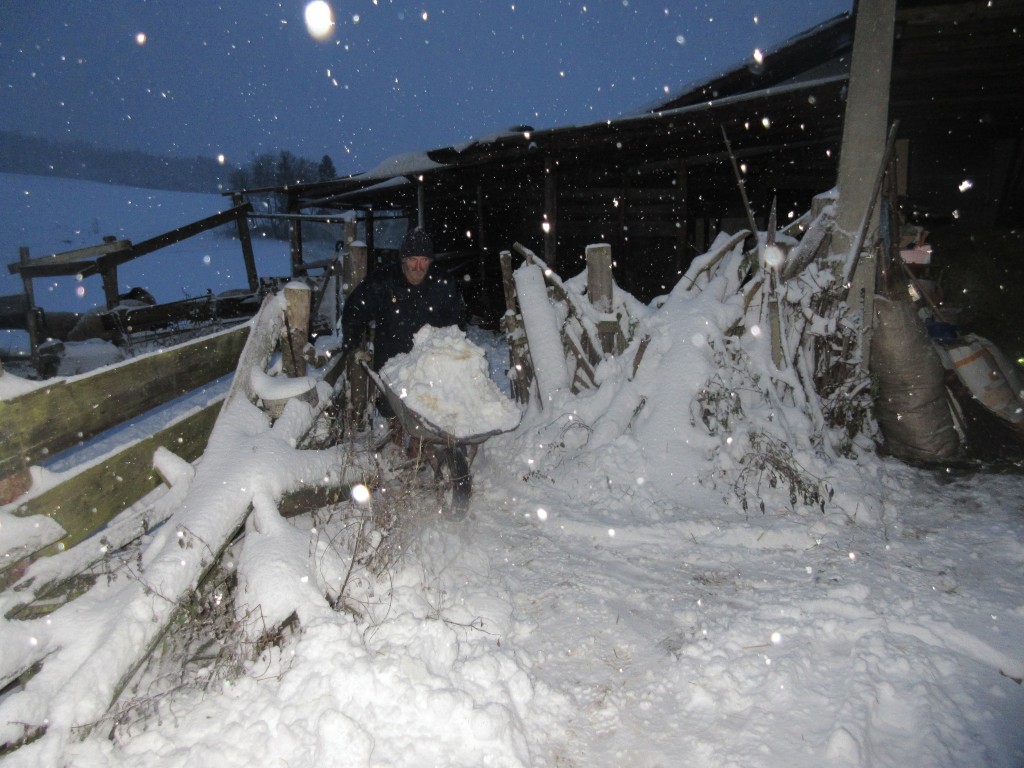 Bei Schneetreiben
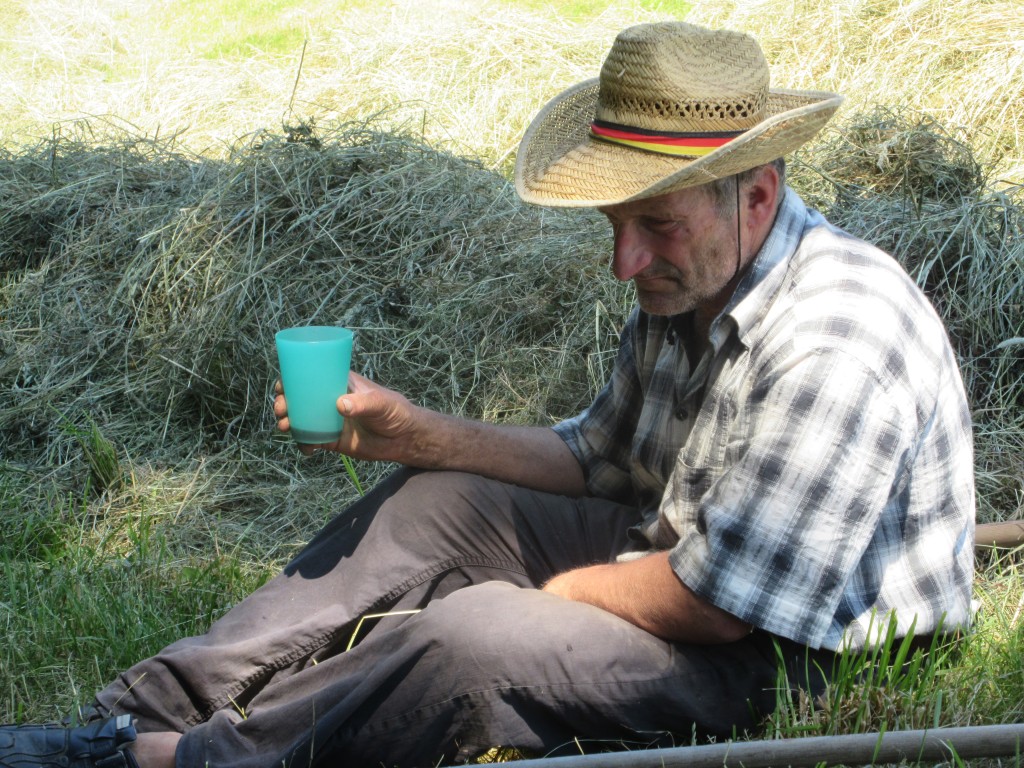 Rasten beim Heu machen
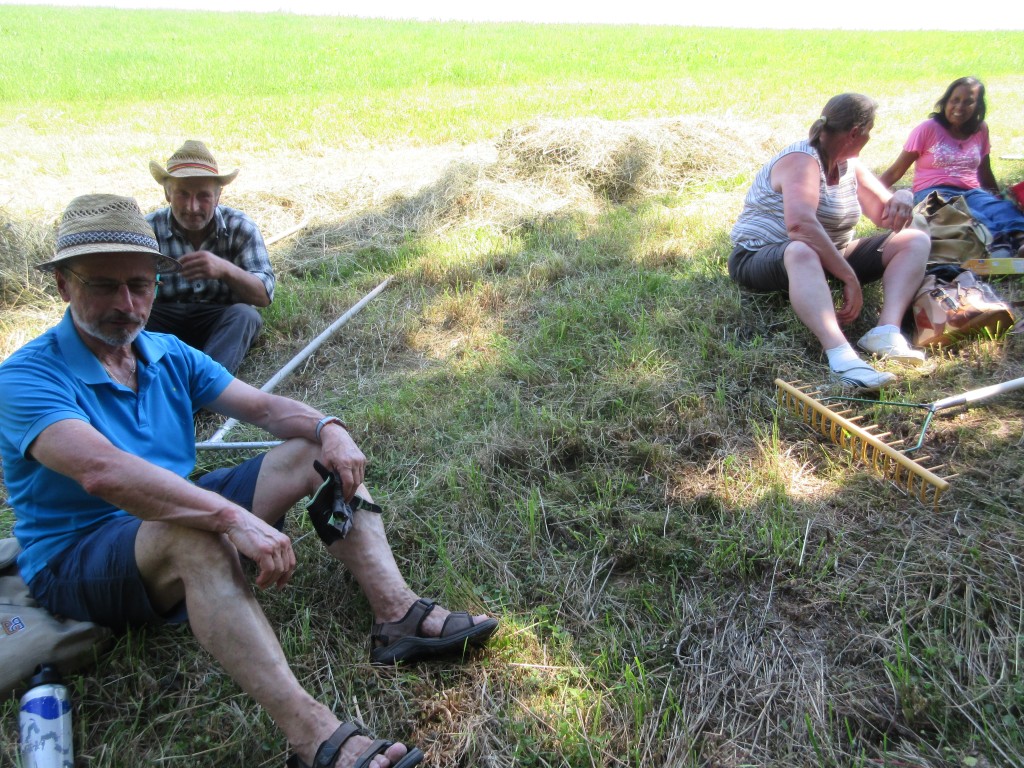 Heu machen mit Pilger Rudi, Chintha und Monika – den letzten Ballen verfüttere ich gerade. Der ist nun 5 Jahre alt, aber noch ganz gut…
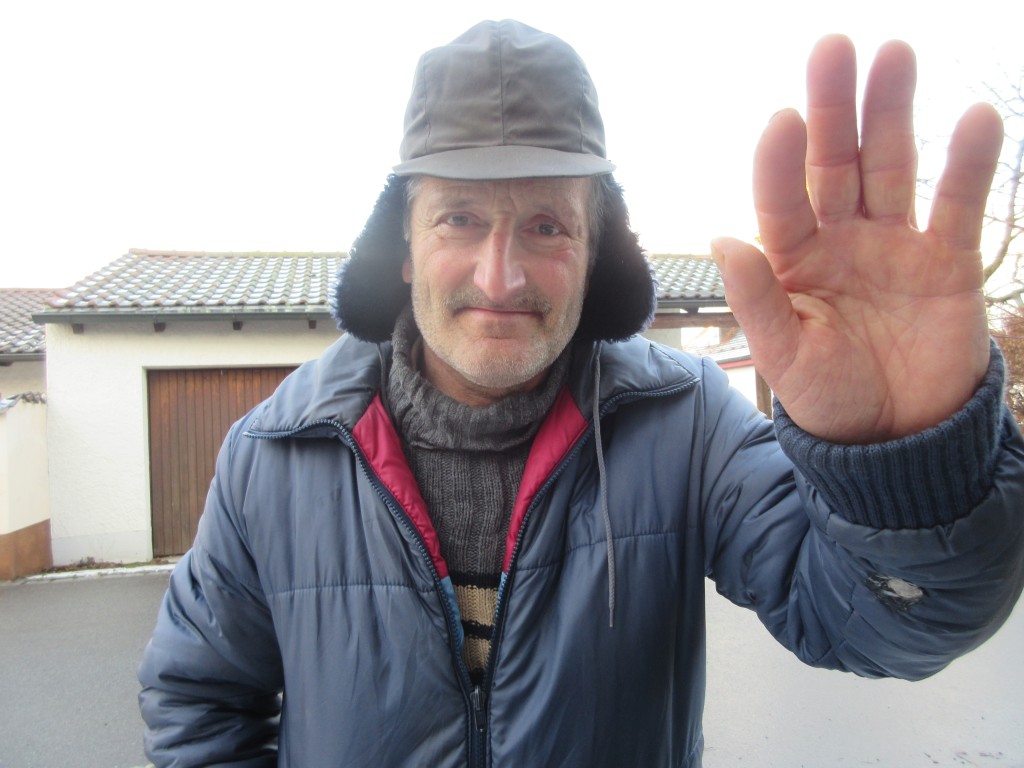 Tschau servus pfirti 👋🏻
(Fotos und Text Dorothea Stuffer)
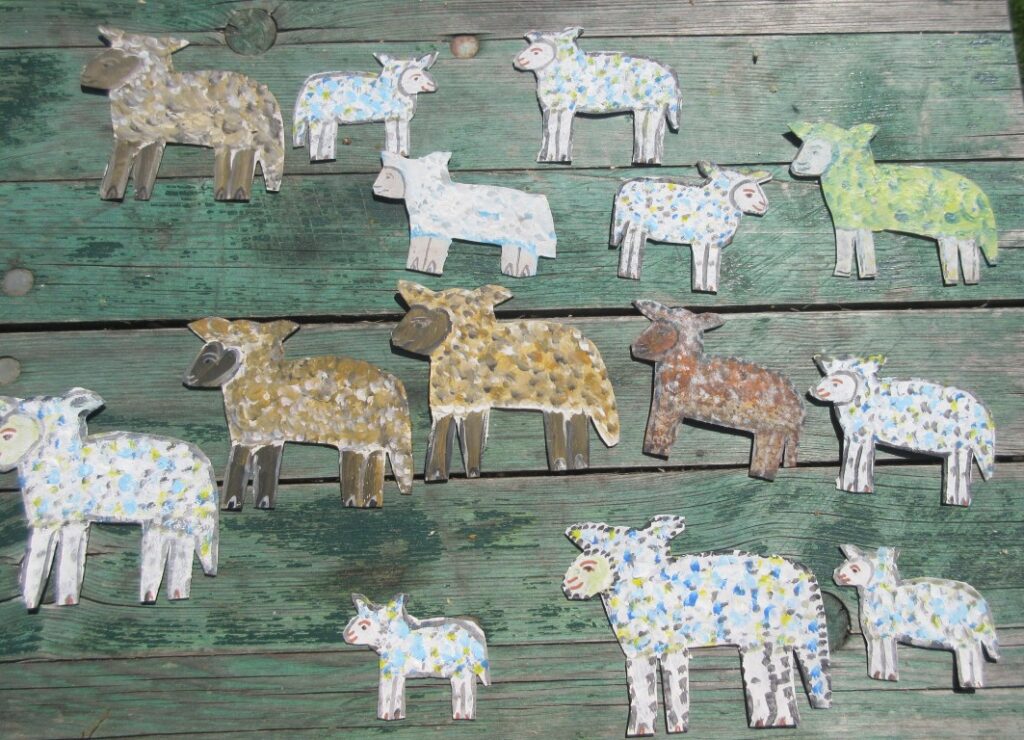 „Gestern konnte ich zu meinen gefühlt „tausend Blechschafen“ nochmal 8 kleine Schäflein hinzufügen.“
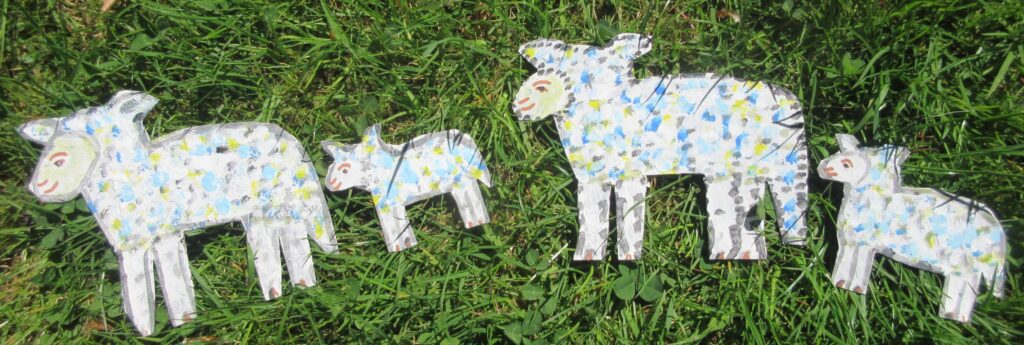 Mutter / Kind
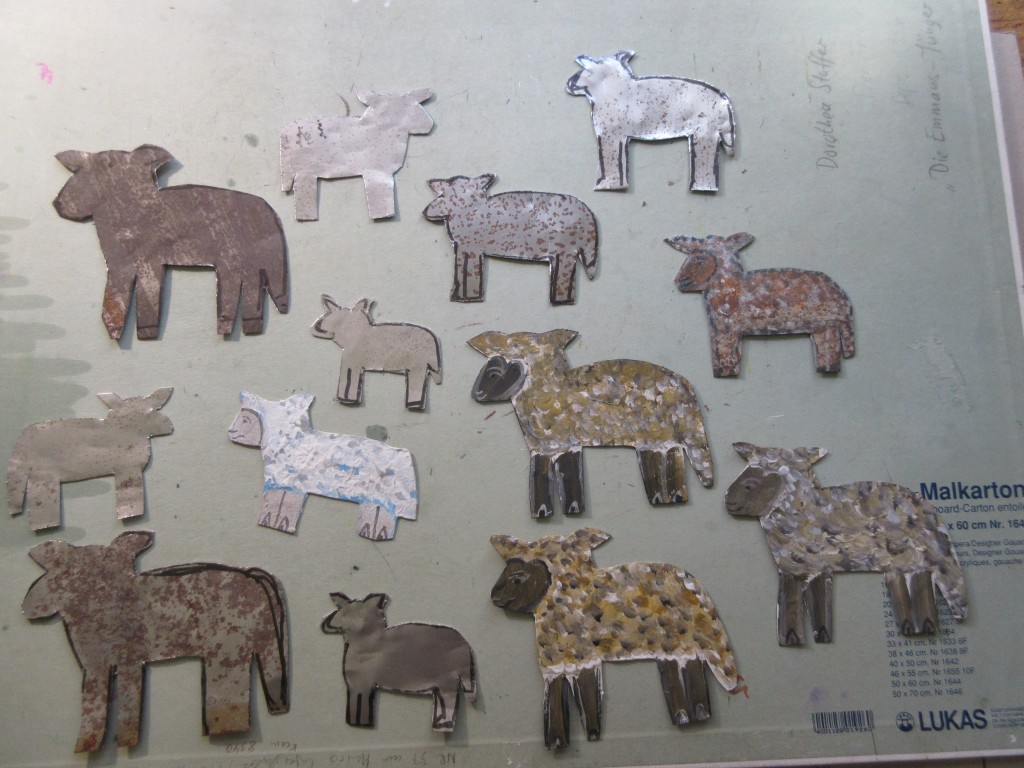 Im Arbeitsprozess
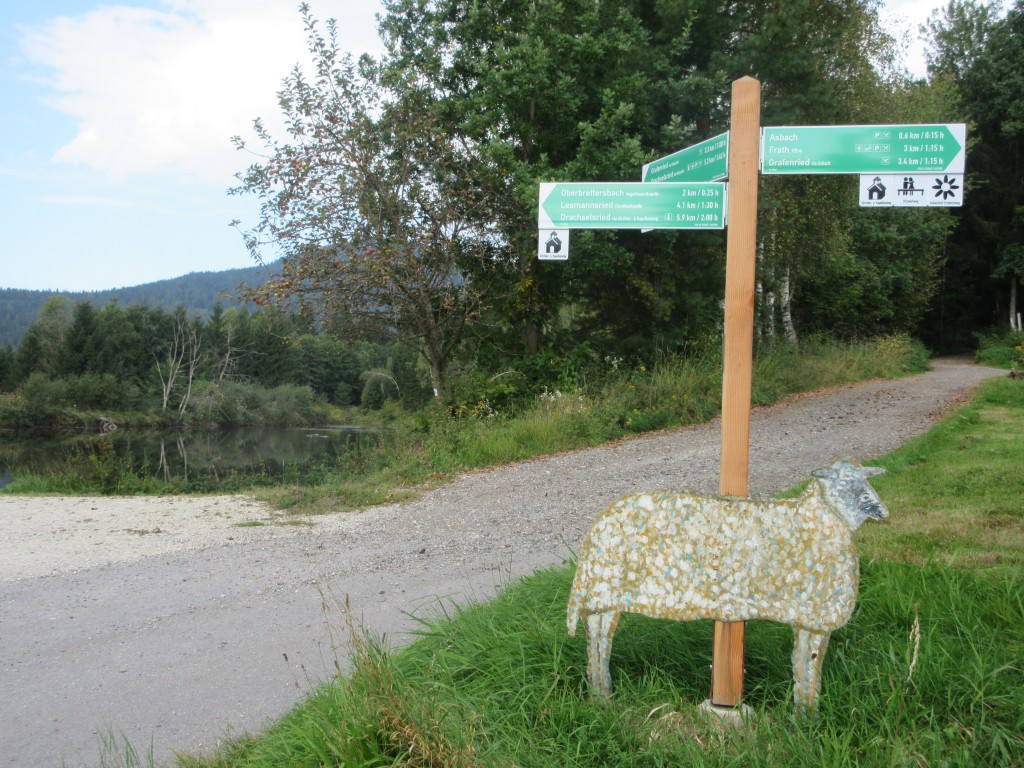 Blechschaf am Wolfgangsweg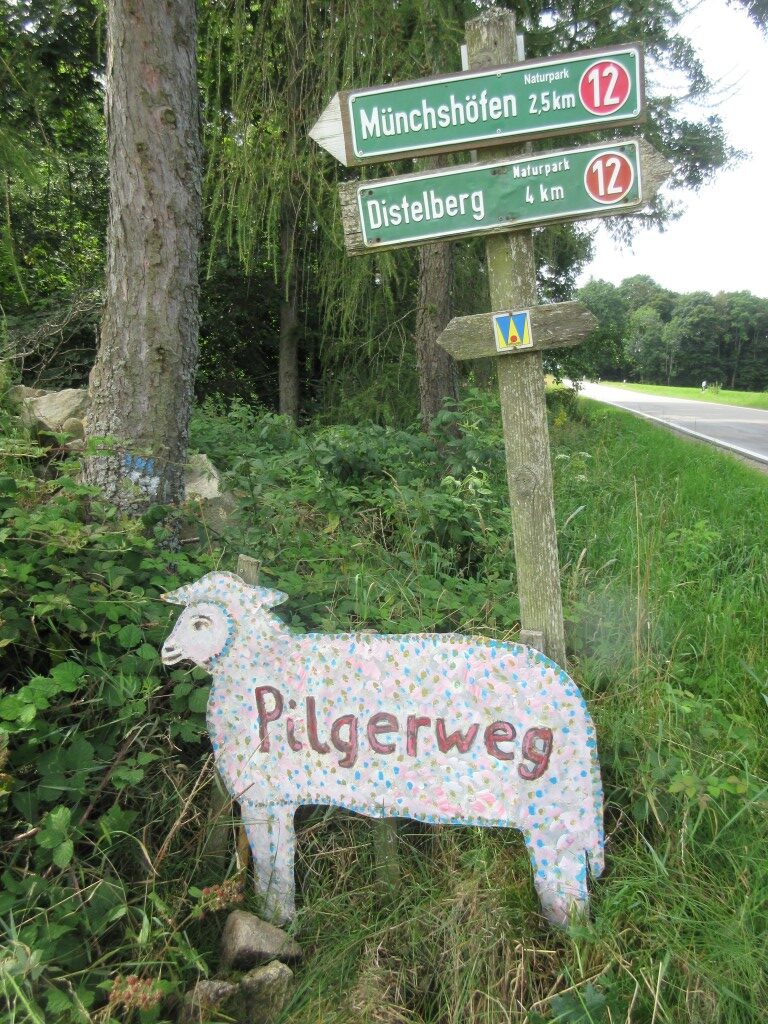
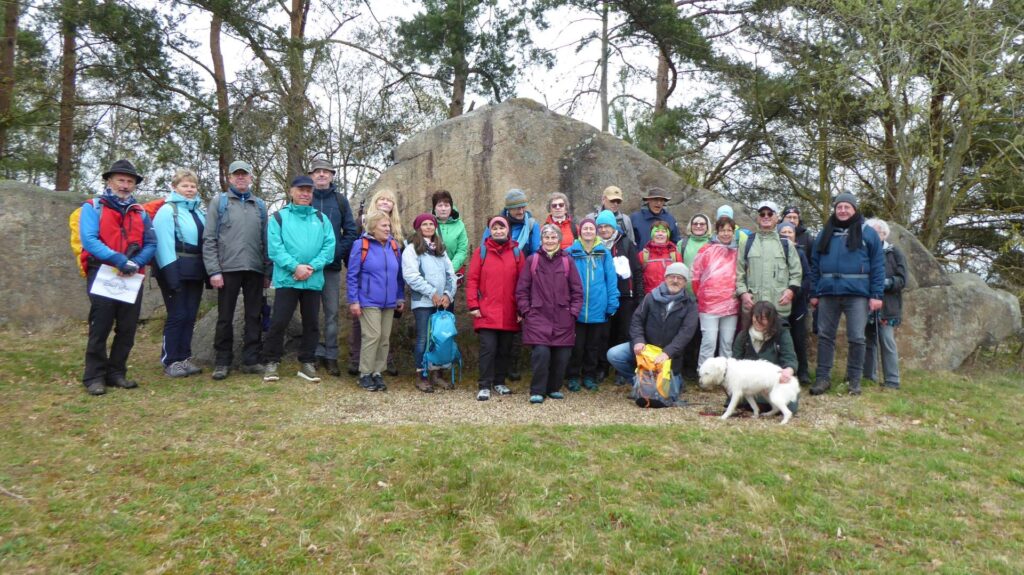 Aktuelle Pilger- und Wandergruppe um und mit Pilger Rudi Simeth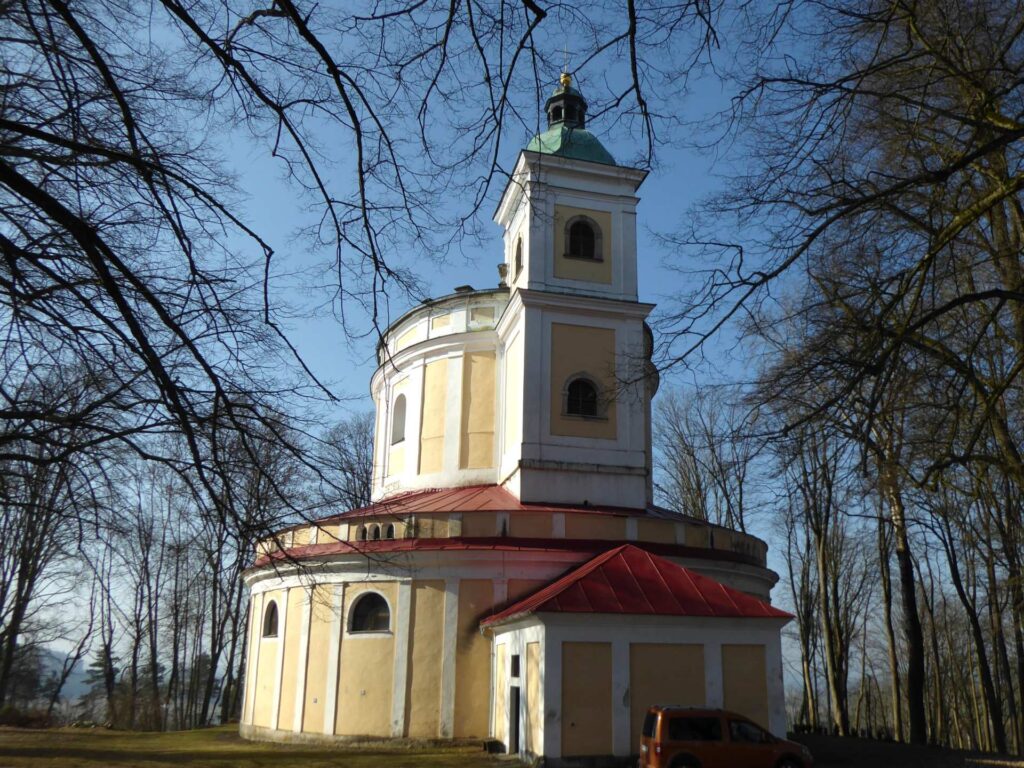
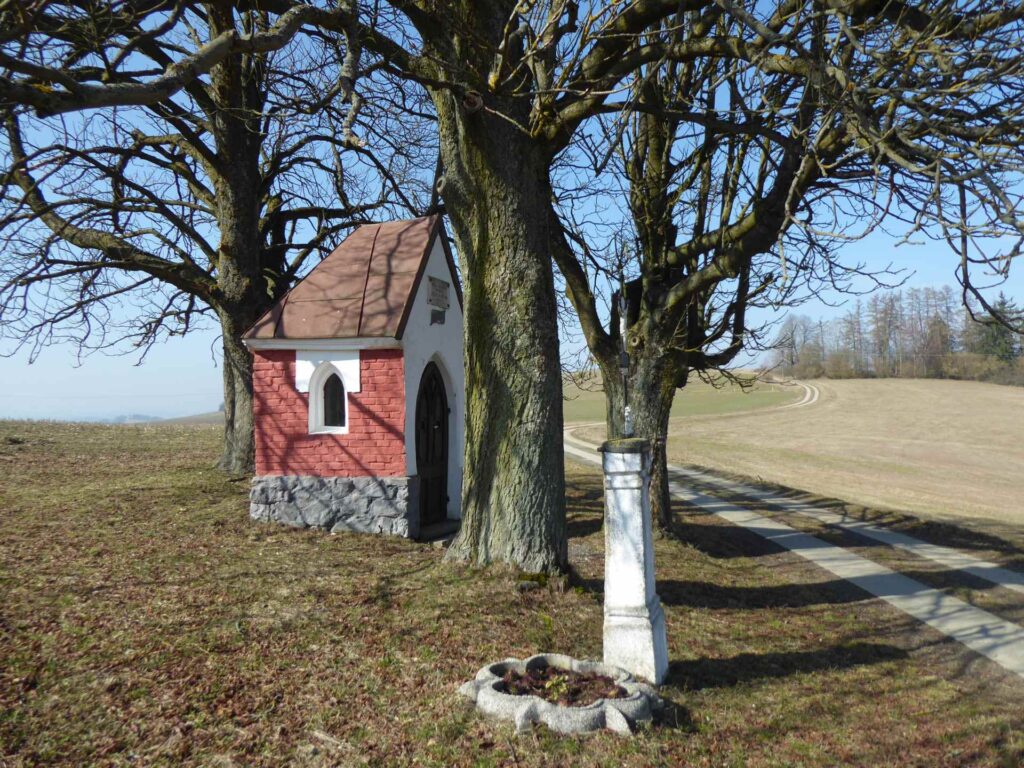
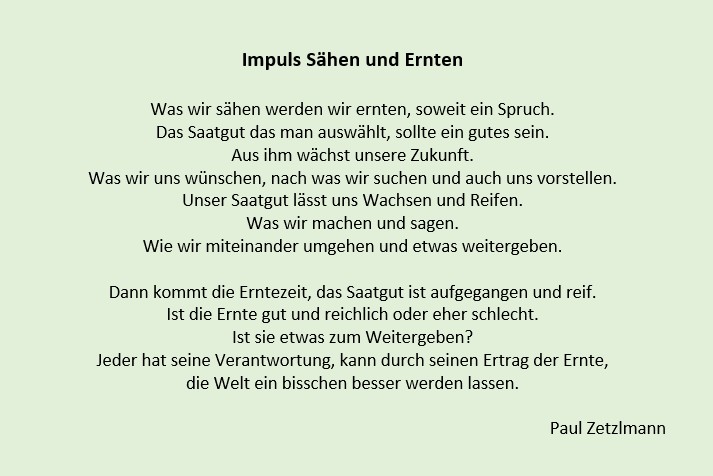 Ein Impuls von Paul Zetzlmann
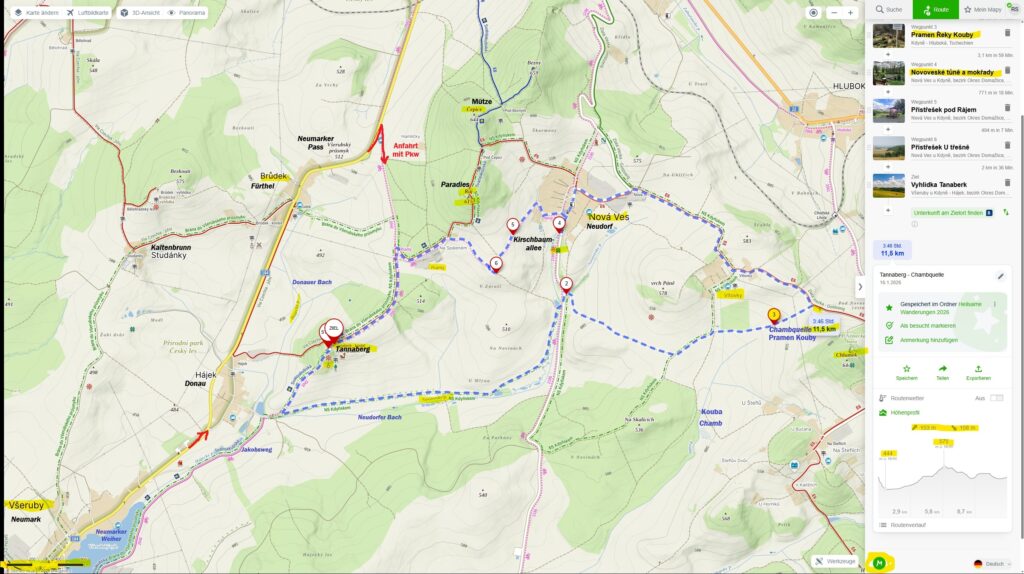 Die leichte Wanderung vom Tannaberg zur Chambquelle
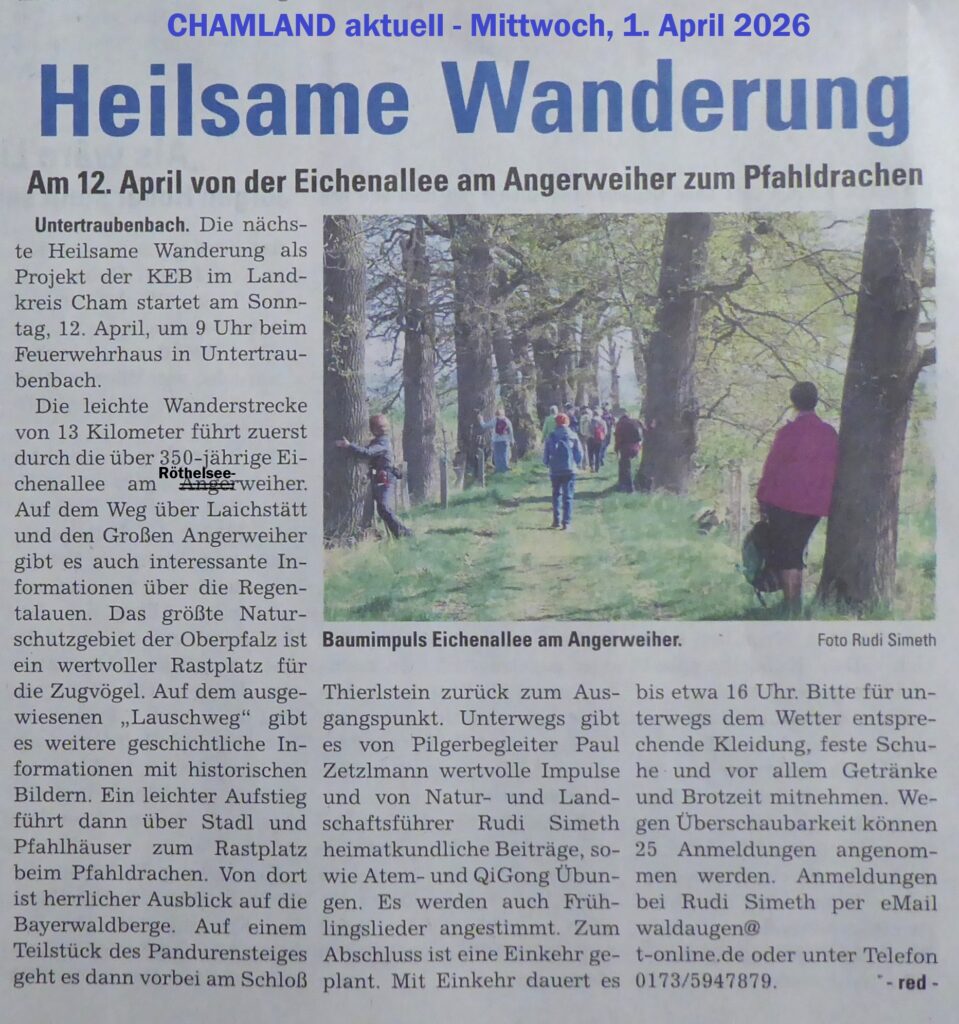 Presse-Vorankündigung für den 12. April – „Weißer Sonntag“
 Ostergedanken
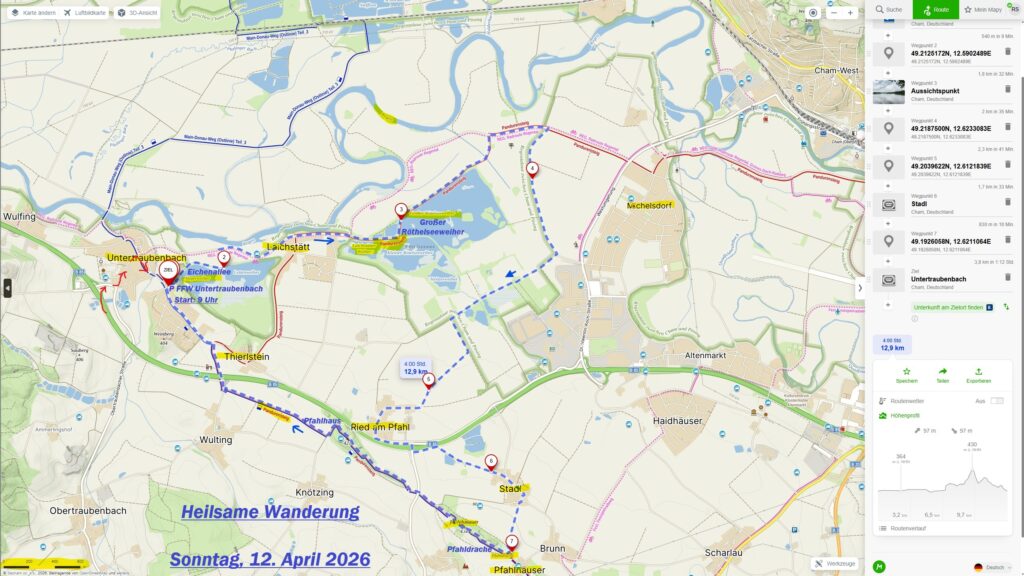 Am 12. April: Angerweiher – Regetalauen – Pfahldrache
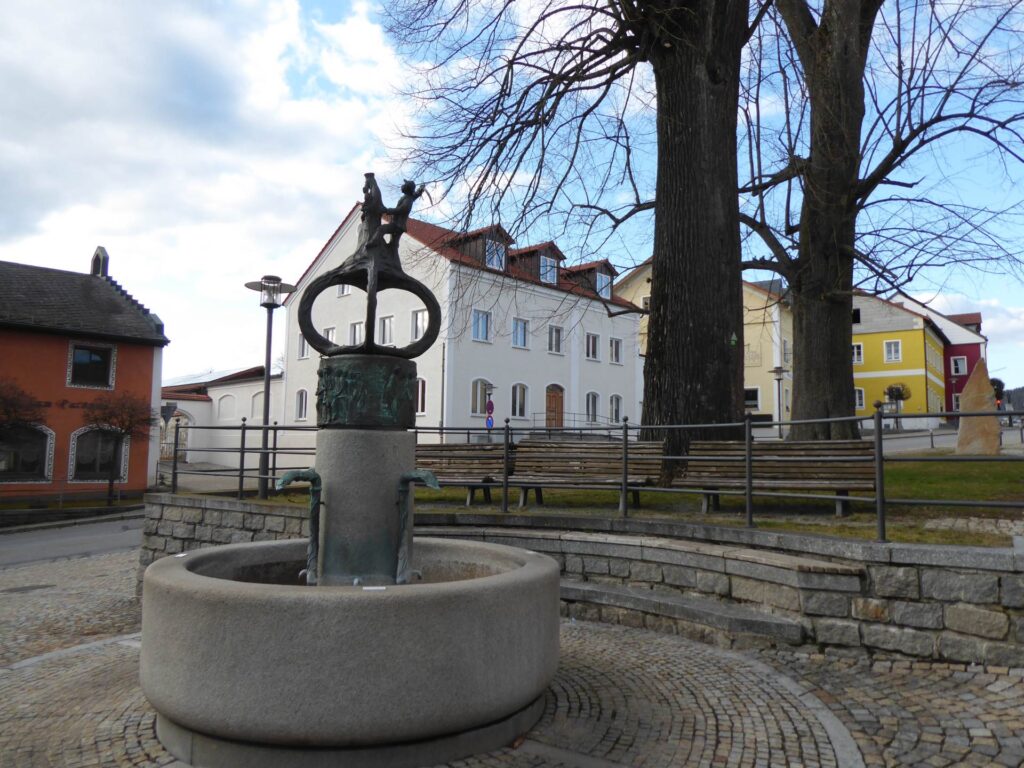
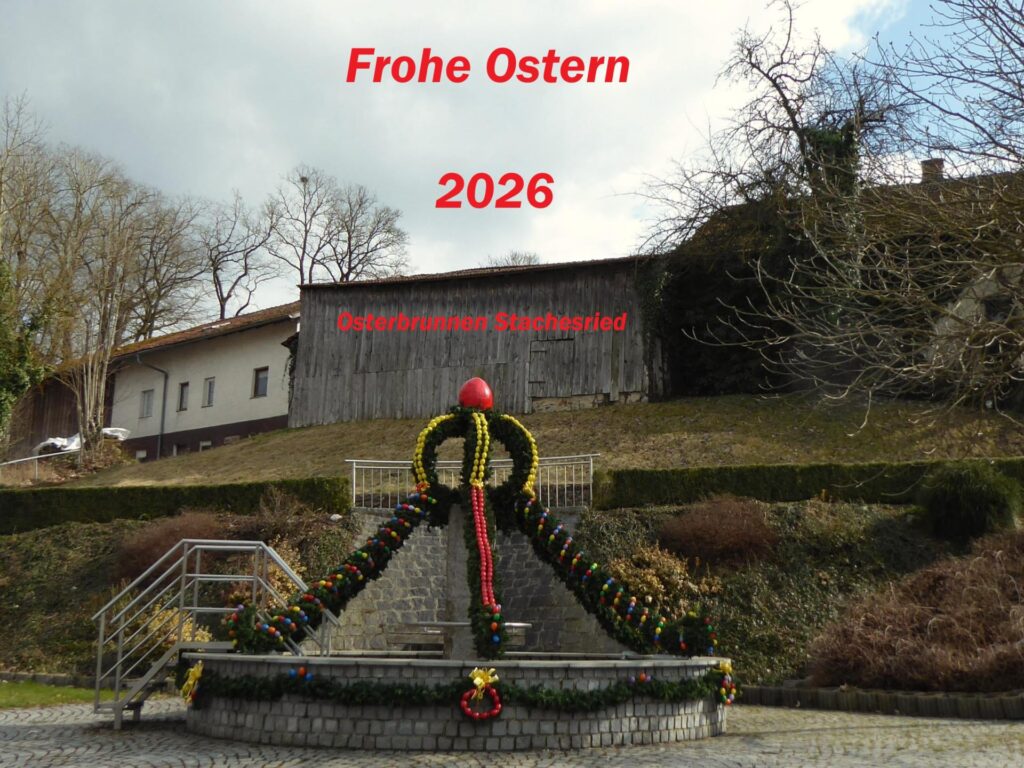 Osterbrunnen Stachetsried
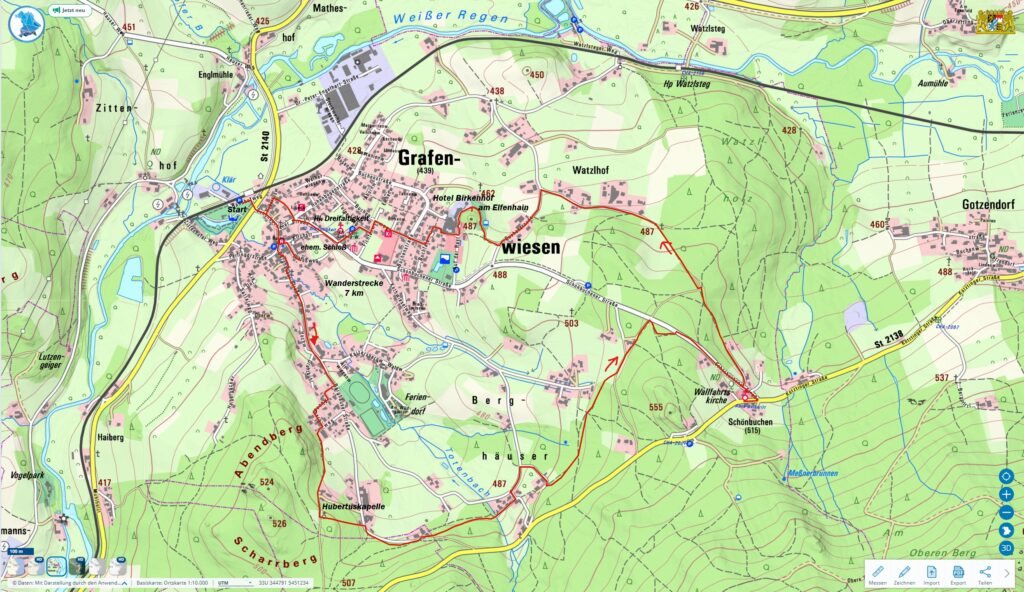 Grafenwiesen – Schönbuchen
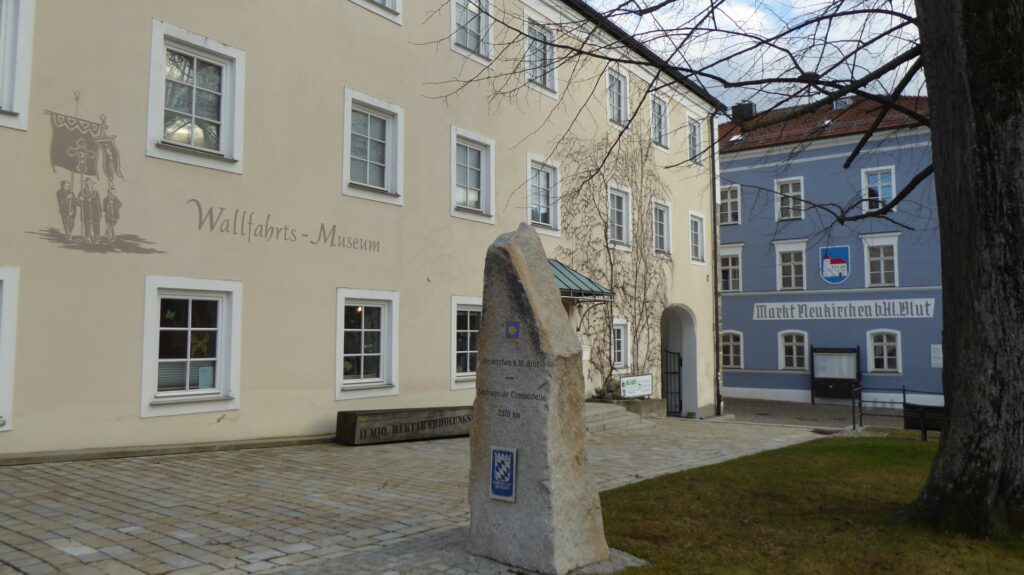
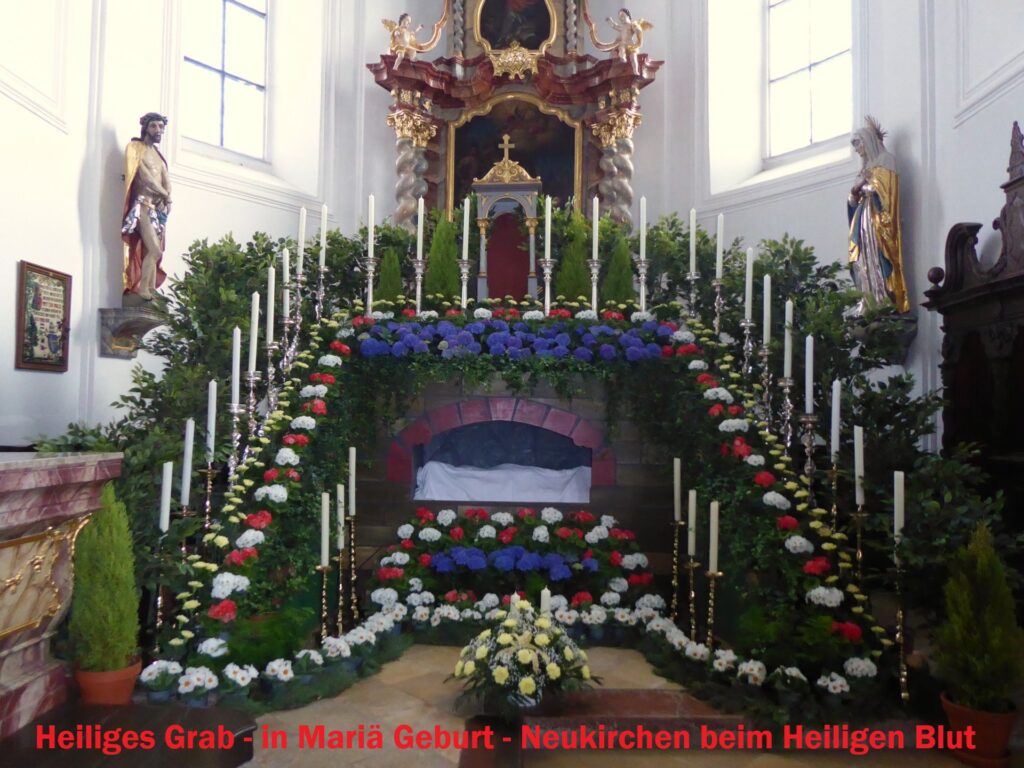 Heiliges Grab – in Maria Geburt – Neukirchen beim Heiligen Blut
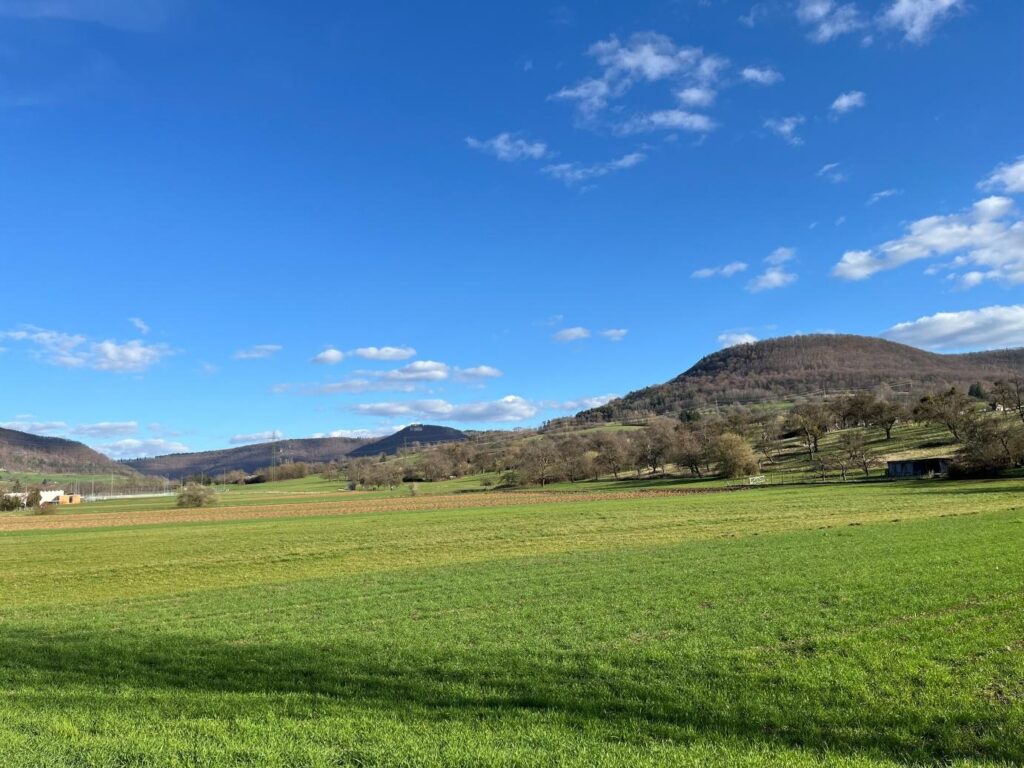 Wolfgang Silver grüßt alle Pilger und Wolfgangsfreunde mit diesen schönen Foto.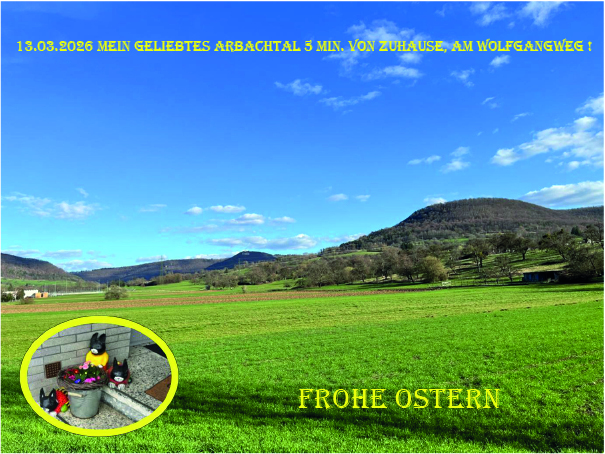
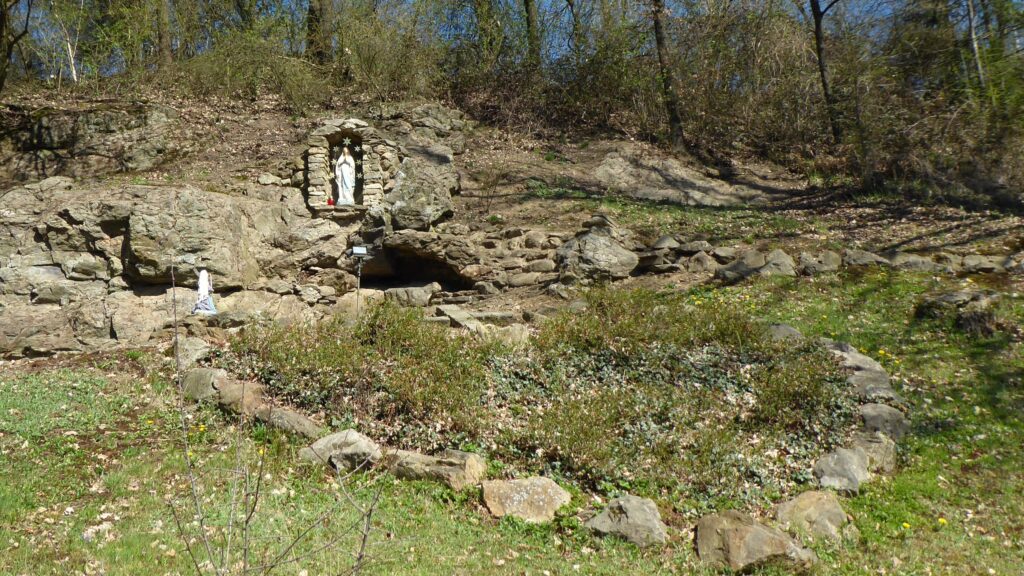 „Ich war diese Woche auf einer österlichen Radtour zu Osterbrunnen und österlich geschmückten Kirchen und besonderen Plätzen um den Hohenbogen.“ (Pilger Rudi)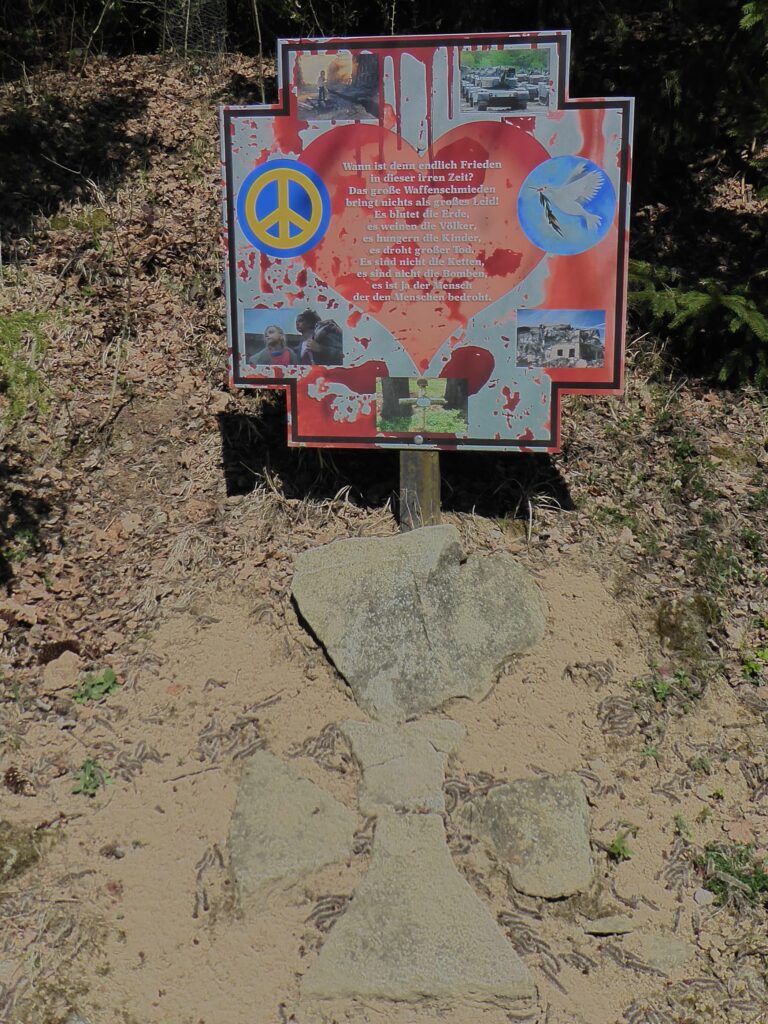
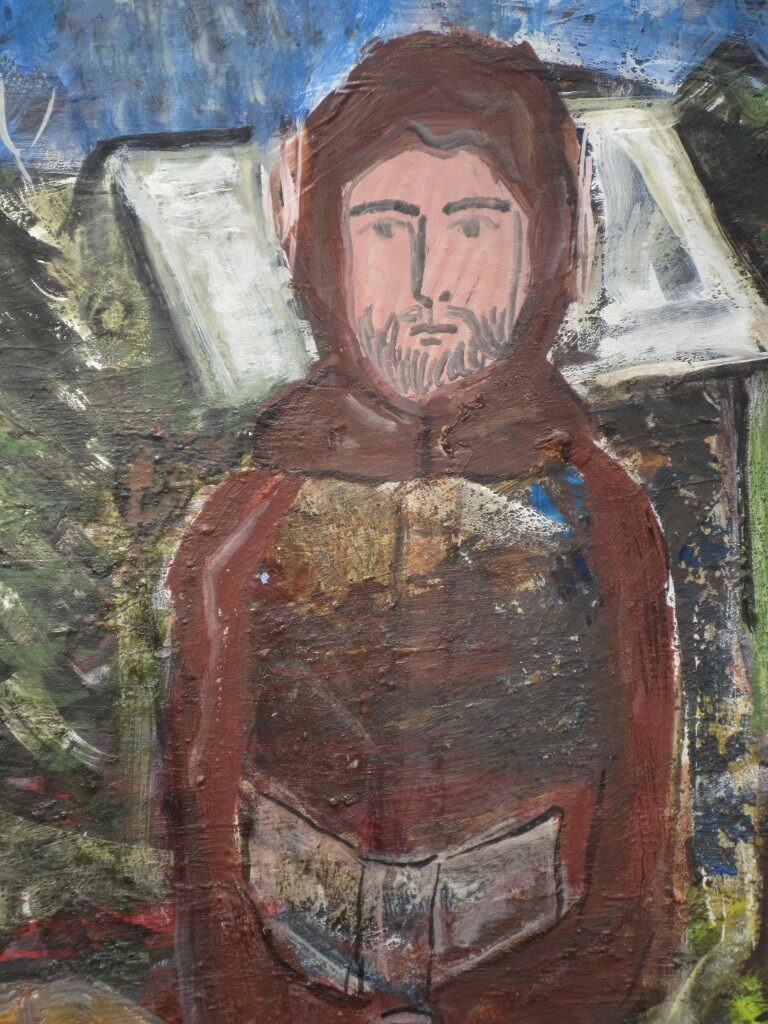 Der Mönch Gunther mit Buch
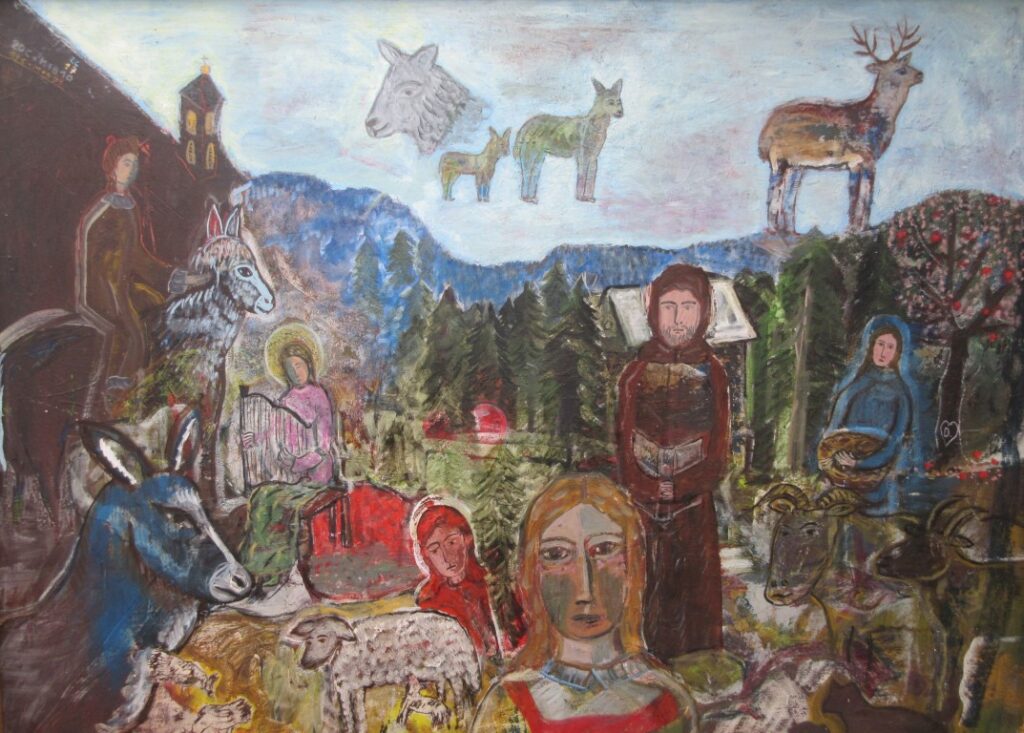 „Ereignis am Gunthersteig“ – Größe: 130/110 Öl, Wachs, Acryl – fertig gestellt März 2026
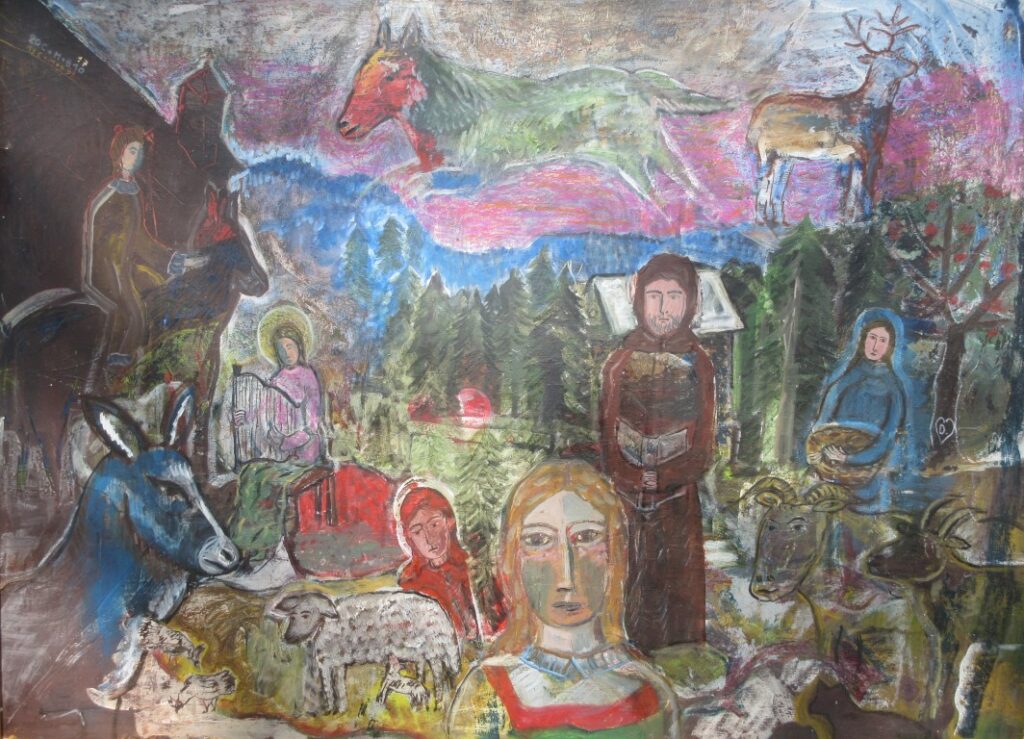 Vorstufe von 2017 mit wildem Himmel
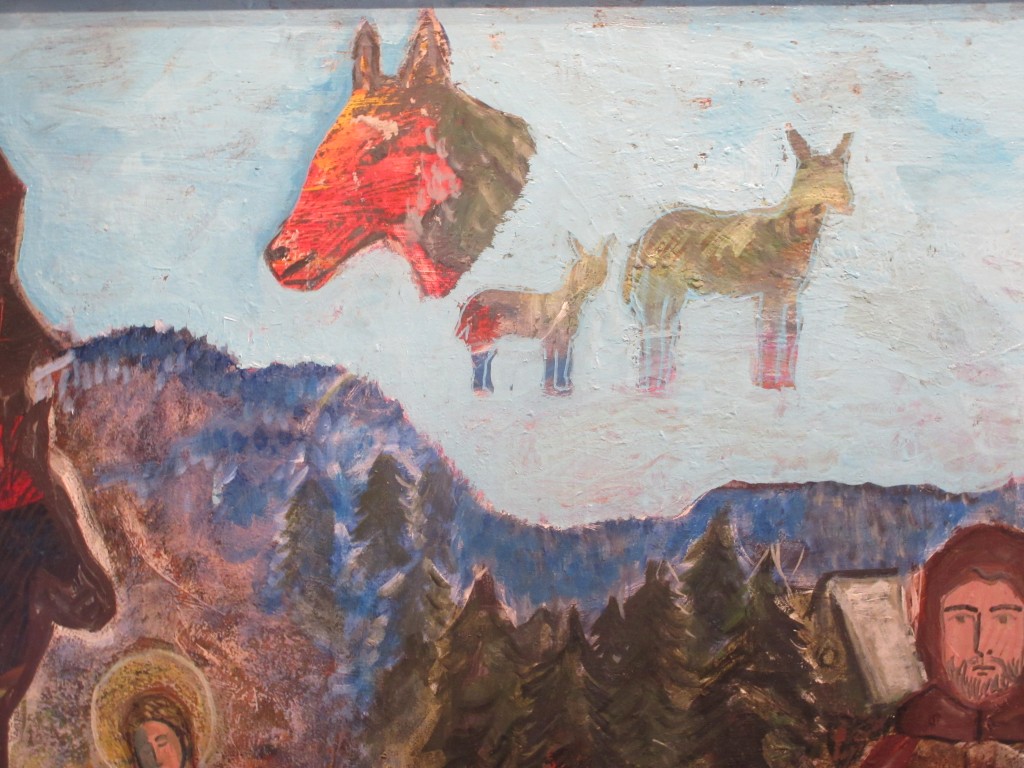 Im Arbeitsprozess: Himmel wurde nun blau – Wolf nicht ganz übermalen, neue Tiere erfinden
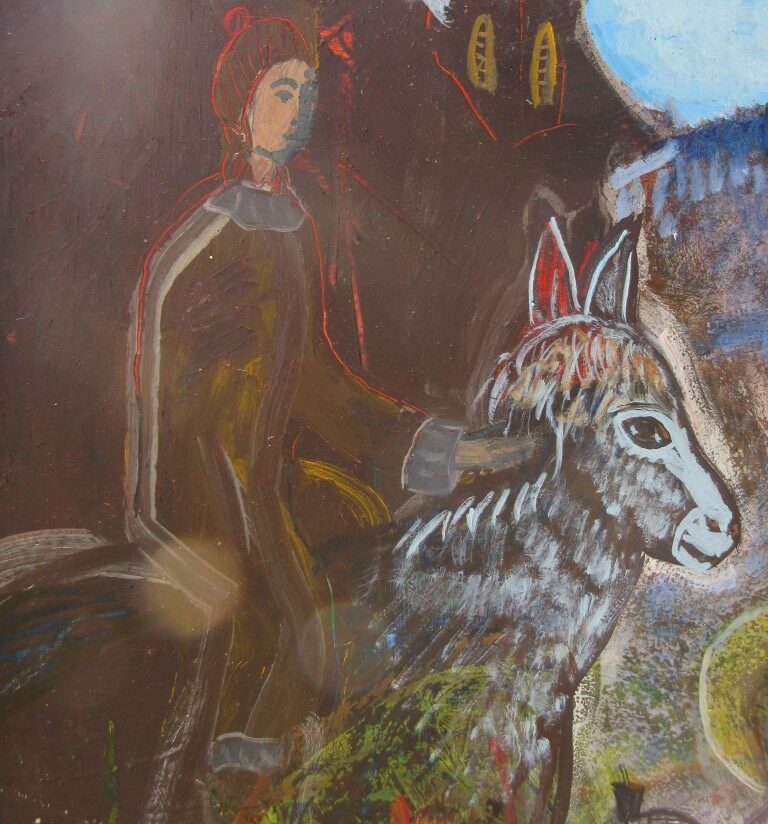 Die Reiterfigur mit Pferd: Pferd bekommt Licht im Gesicht
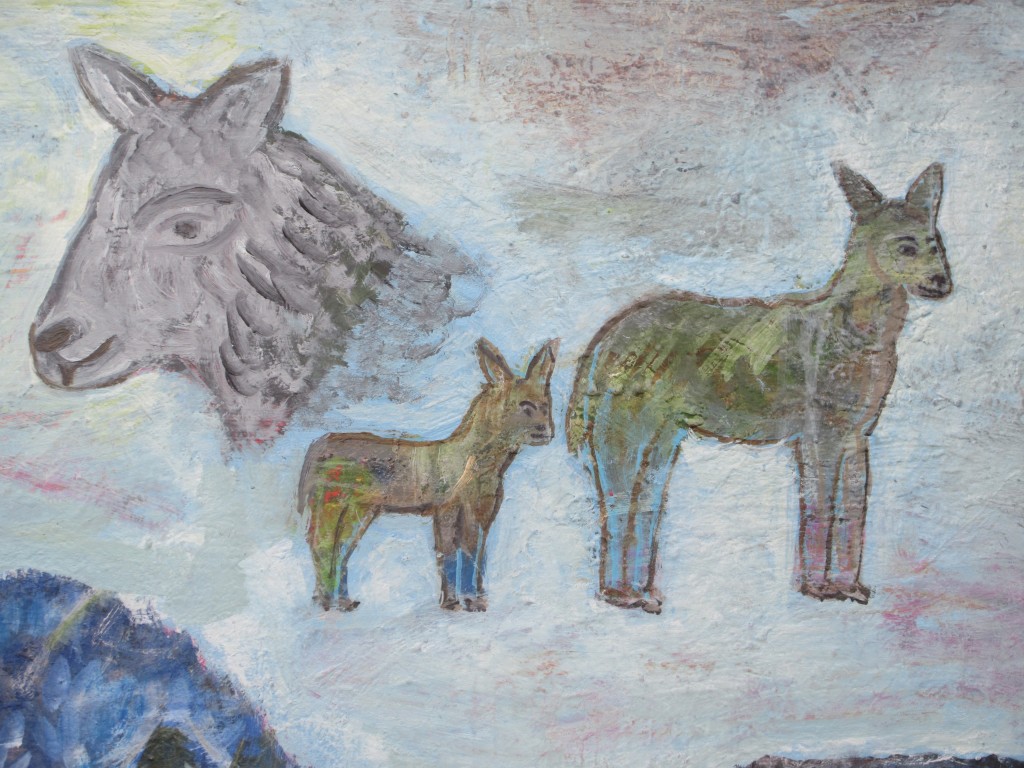 Sanfter Bayerwald-Wolf und Hirschkuh mit Jungtier
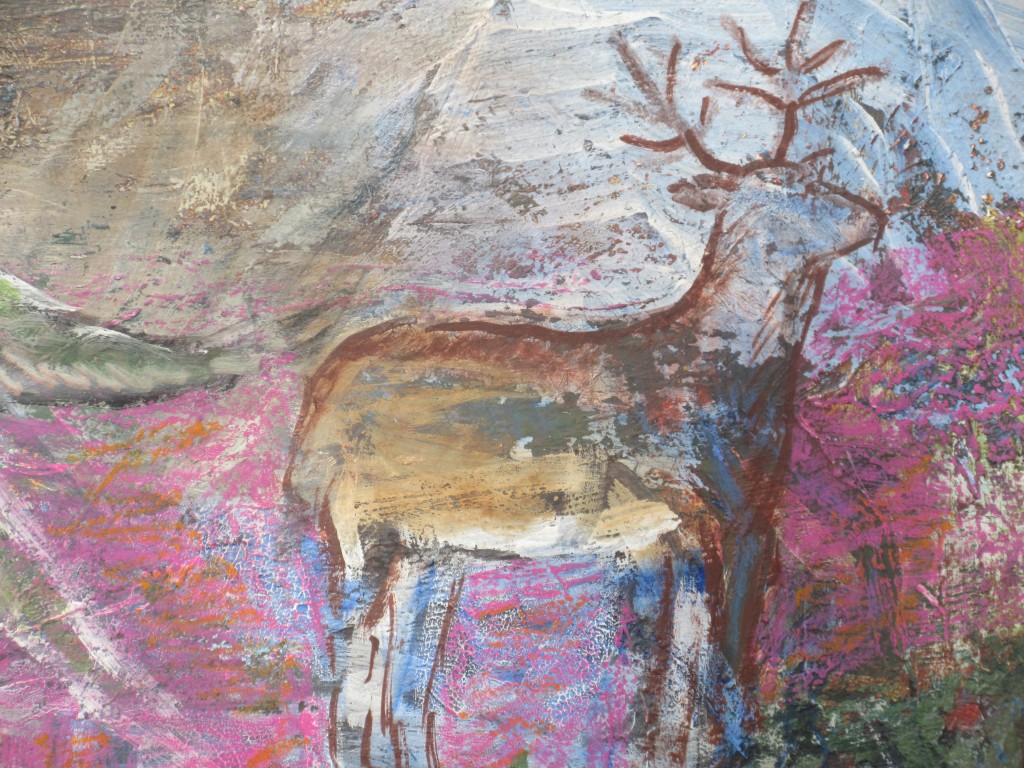 2017: bunter Himmel und ohne Gesicht
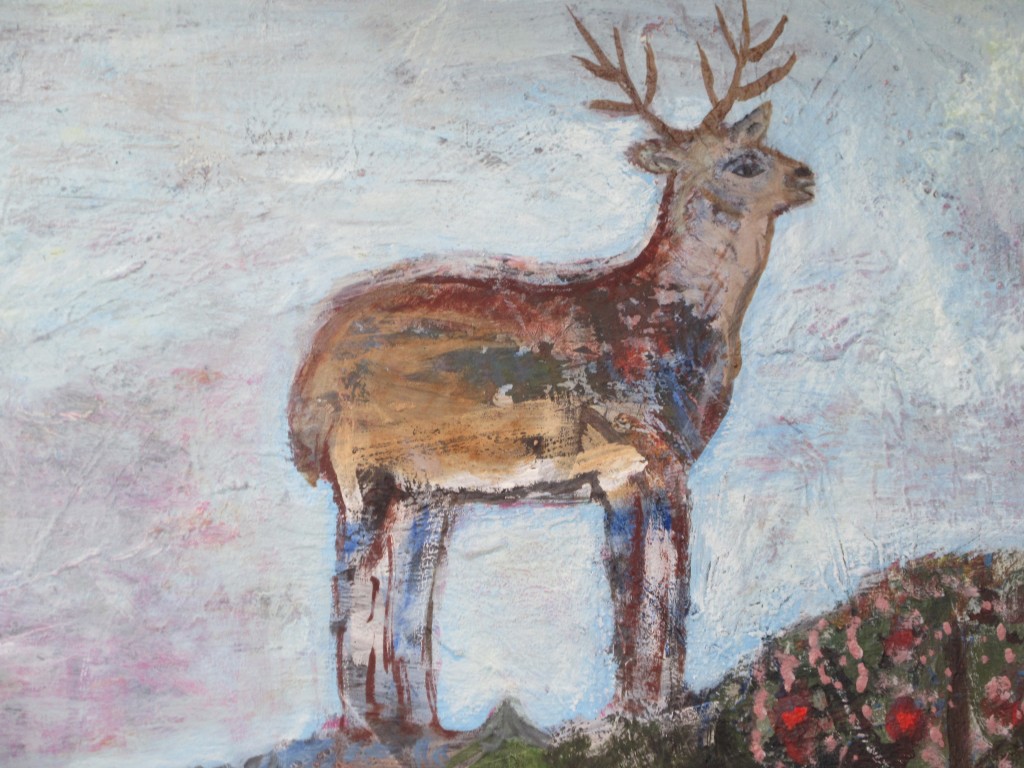 2026: Himmelhirsch am blauen Himmel
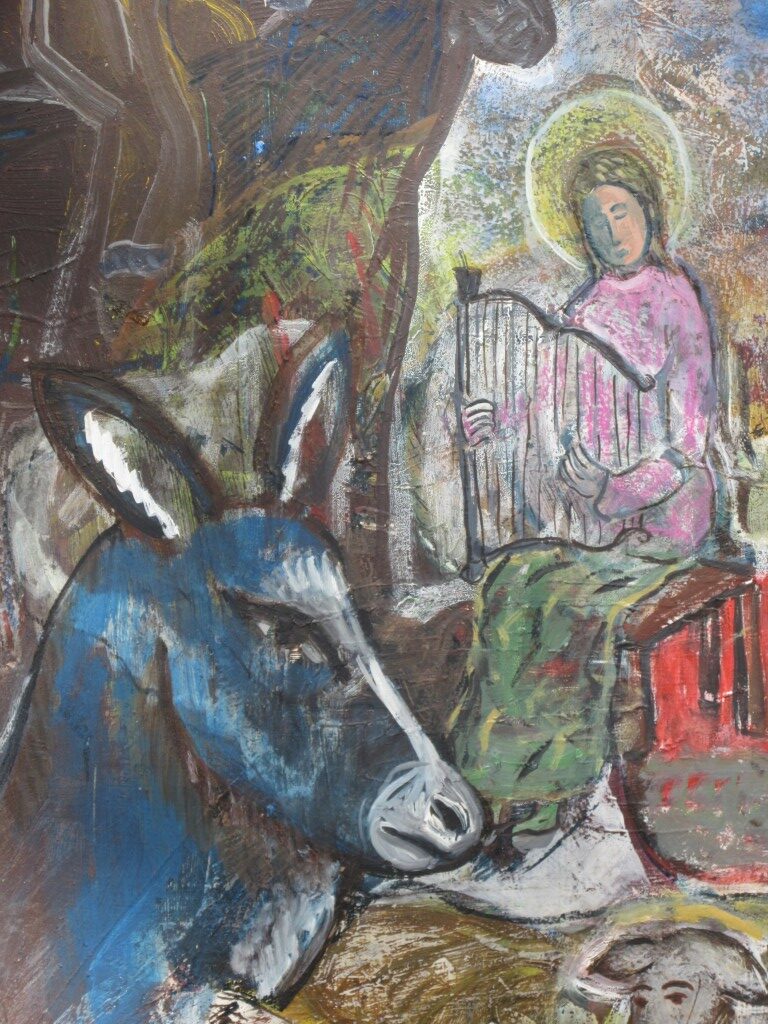 Harfenspielerin mit blauer Hirschkuh
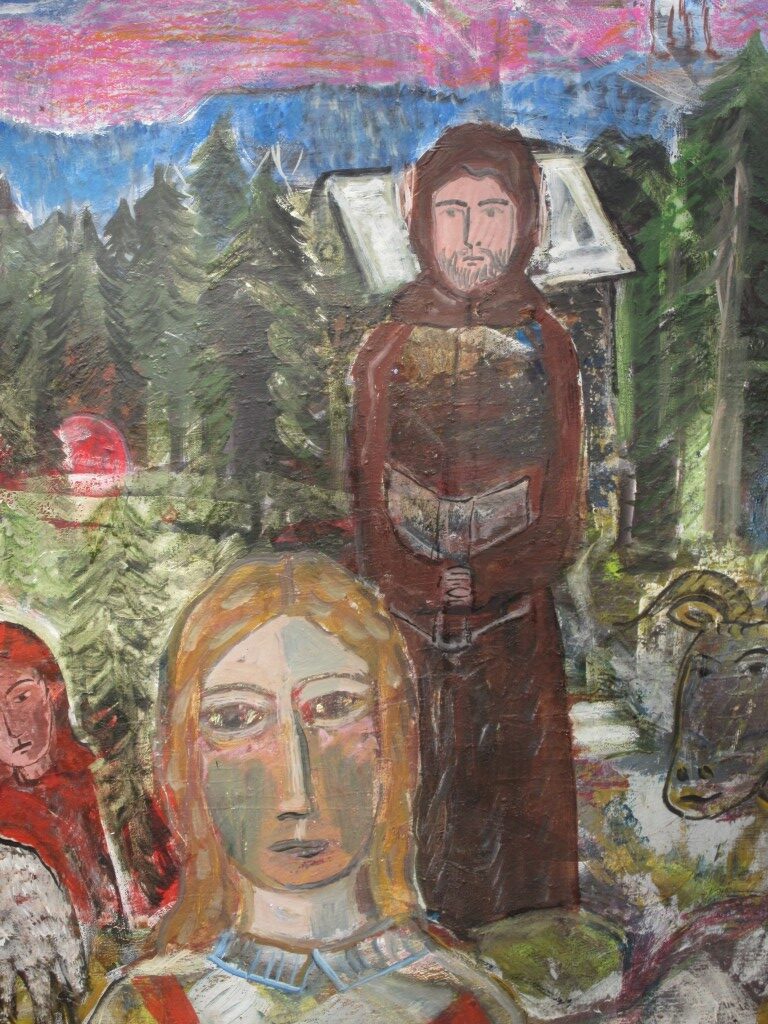 Gunther und die das Bild gemalt hat
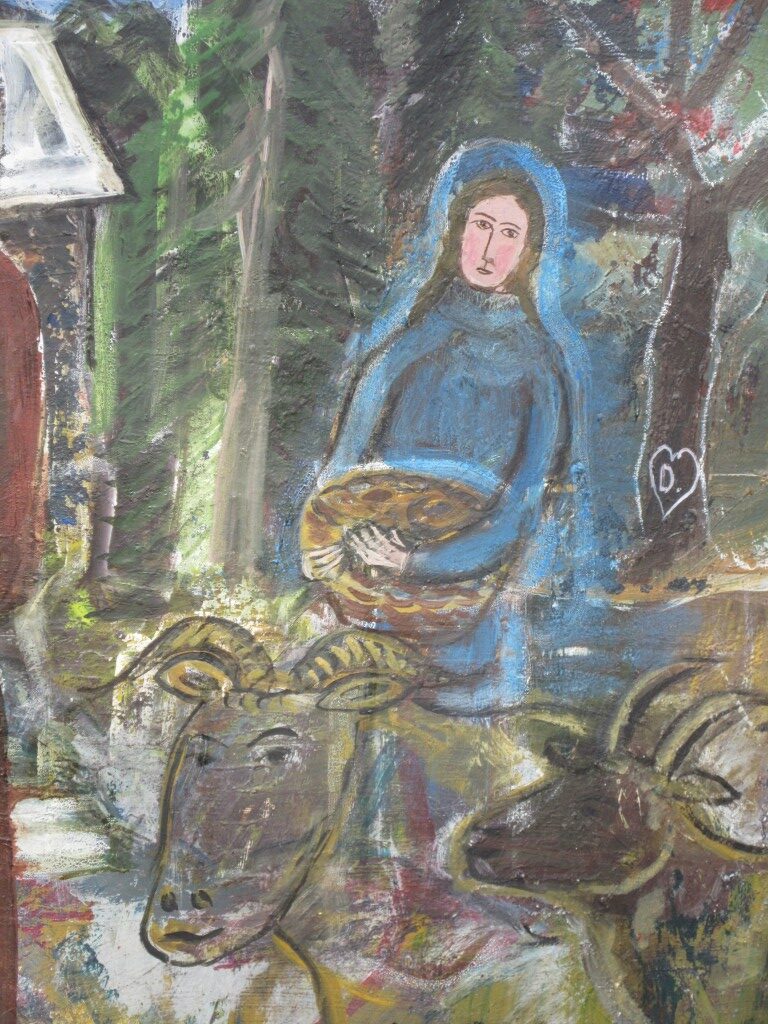 Heilige Elisabeth mit Brotkorb
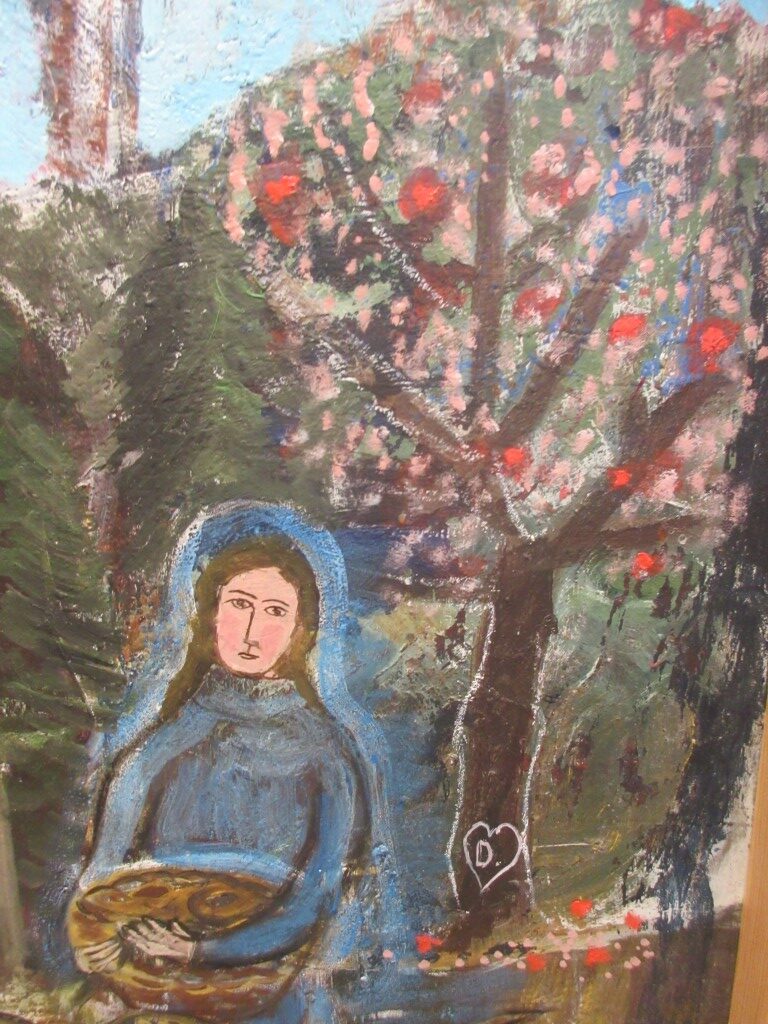 mit Apfelblüten-Früchte-Baum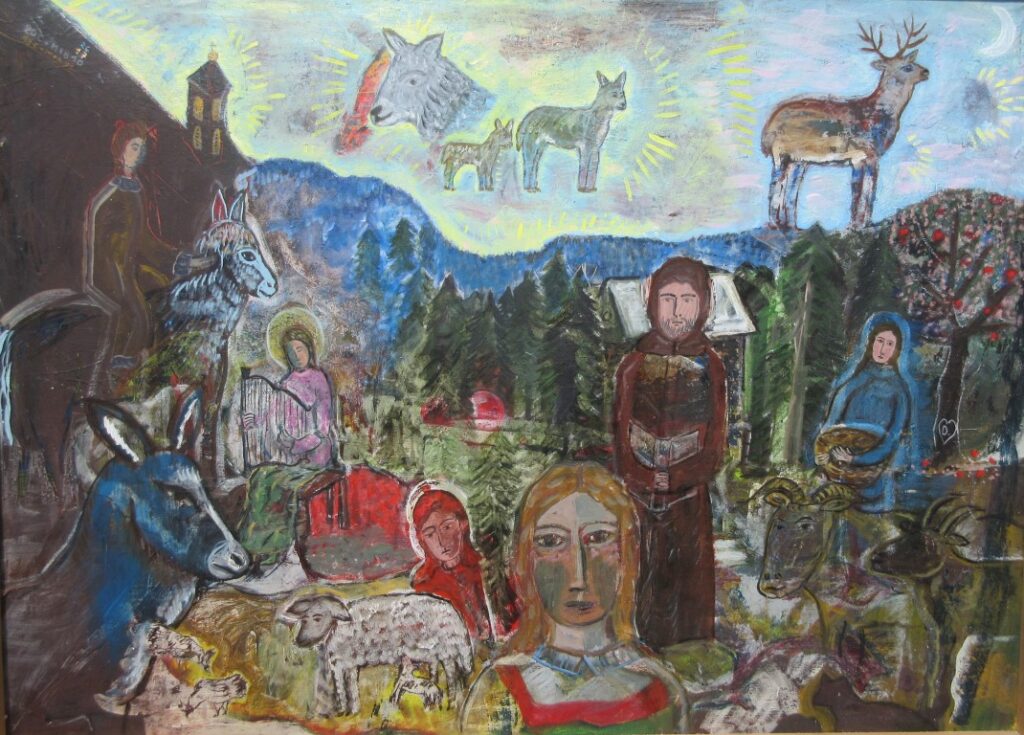
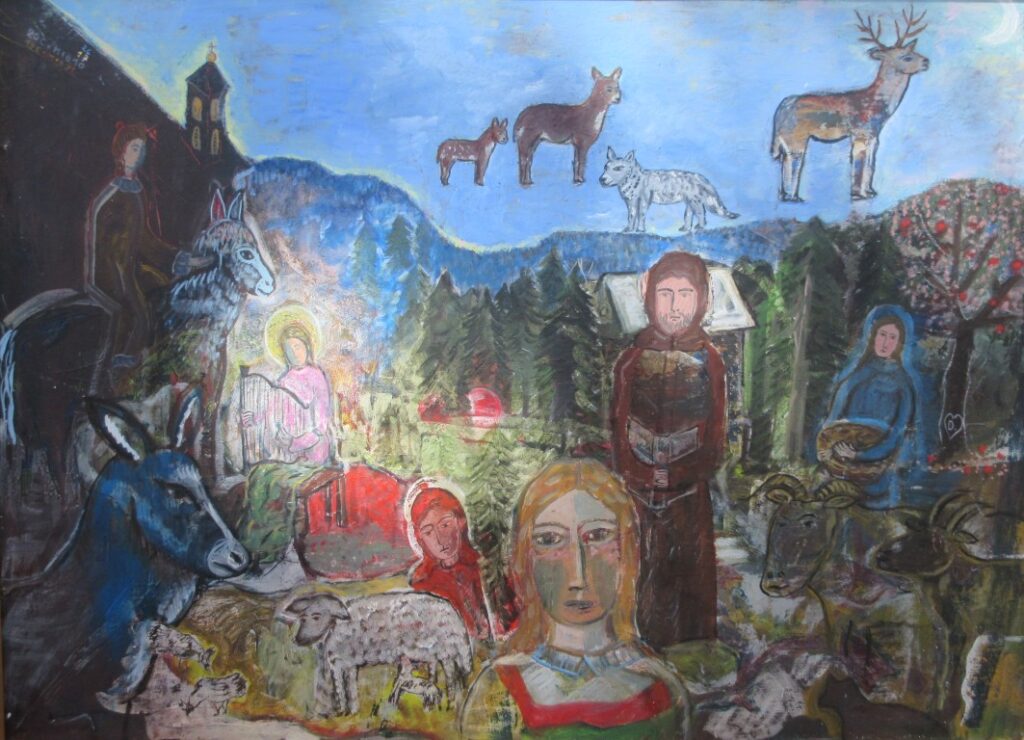 Dorothea Stuffer, Ereignis am Gunthersteig, Ölfarben, 120/ 110 cm
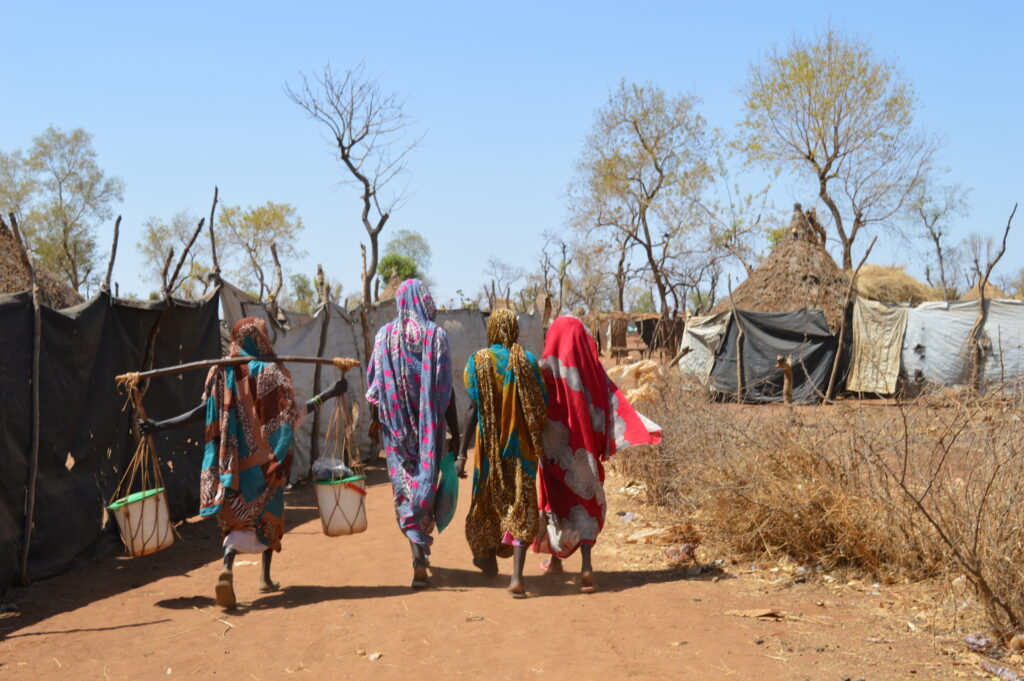 Einfachstes Leben im Südsudan – Foto: Frank
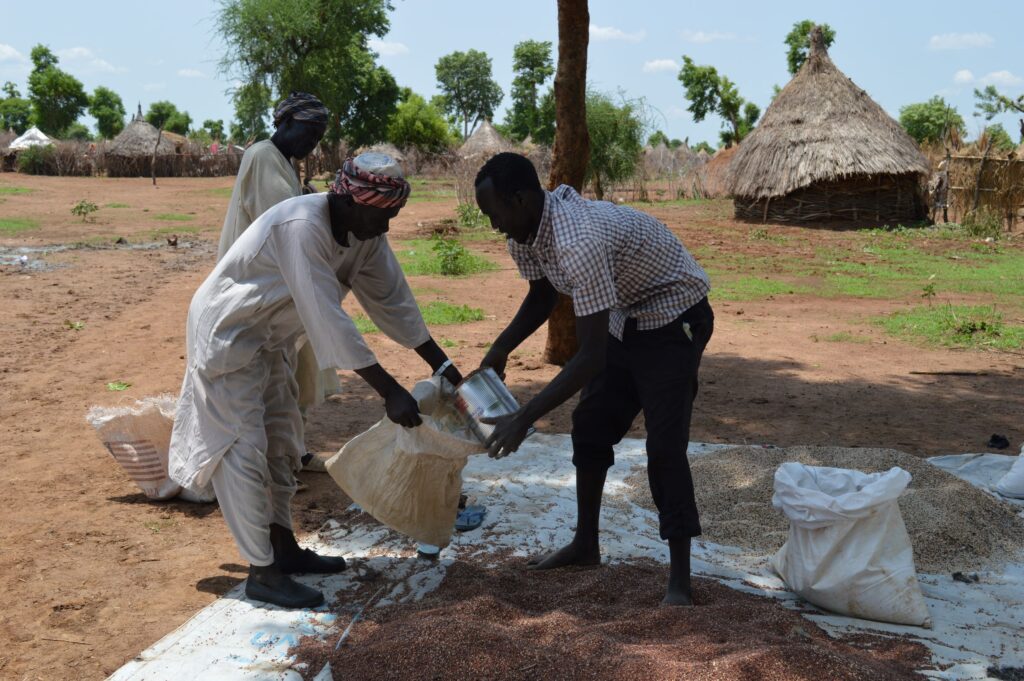 Verteilung von Saatgut – Foto: Frank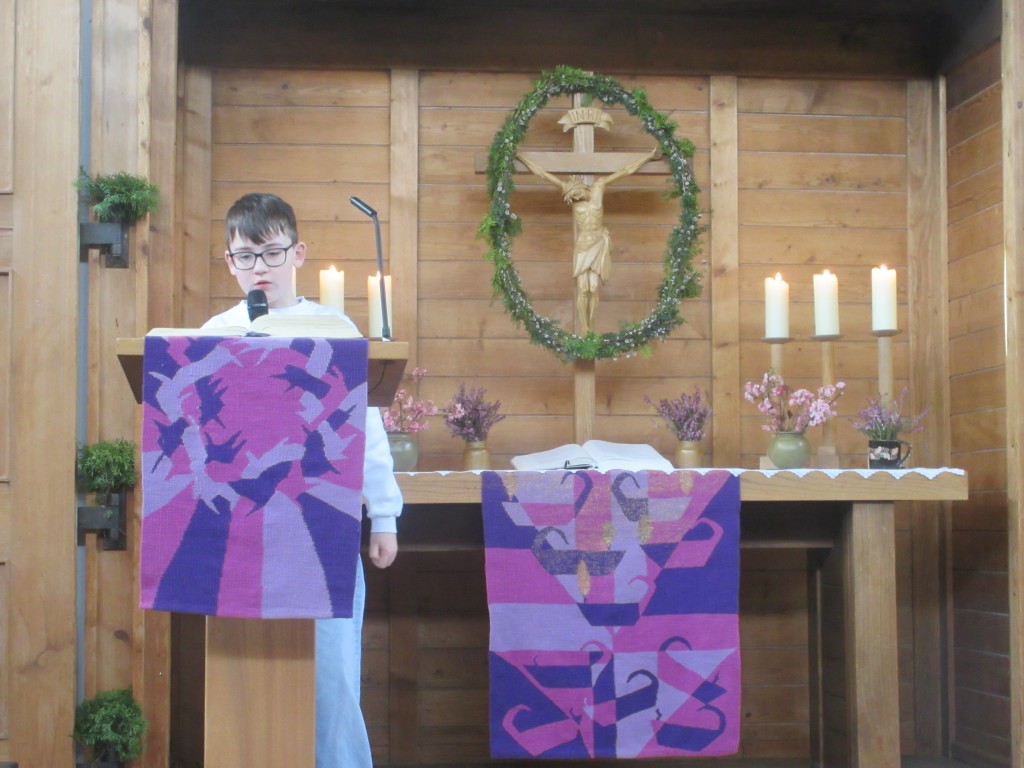
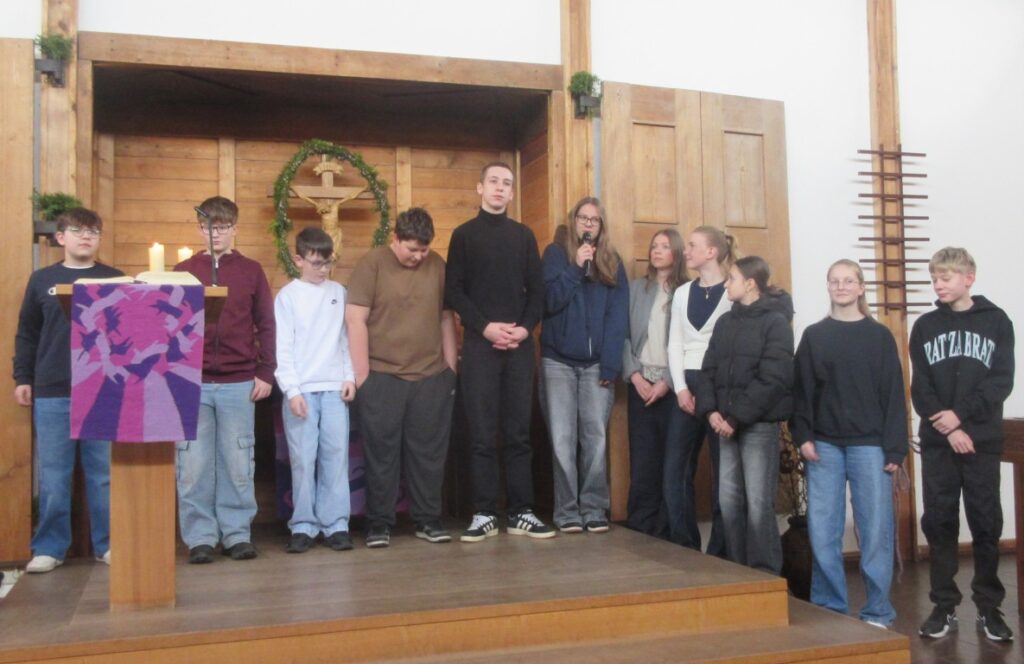 Insgesamt sind es heuer 13 Konfirmandinnen und Konfirmanden
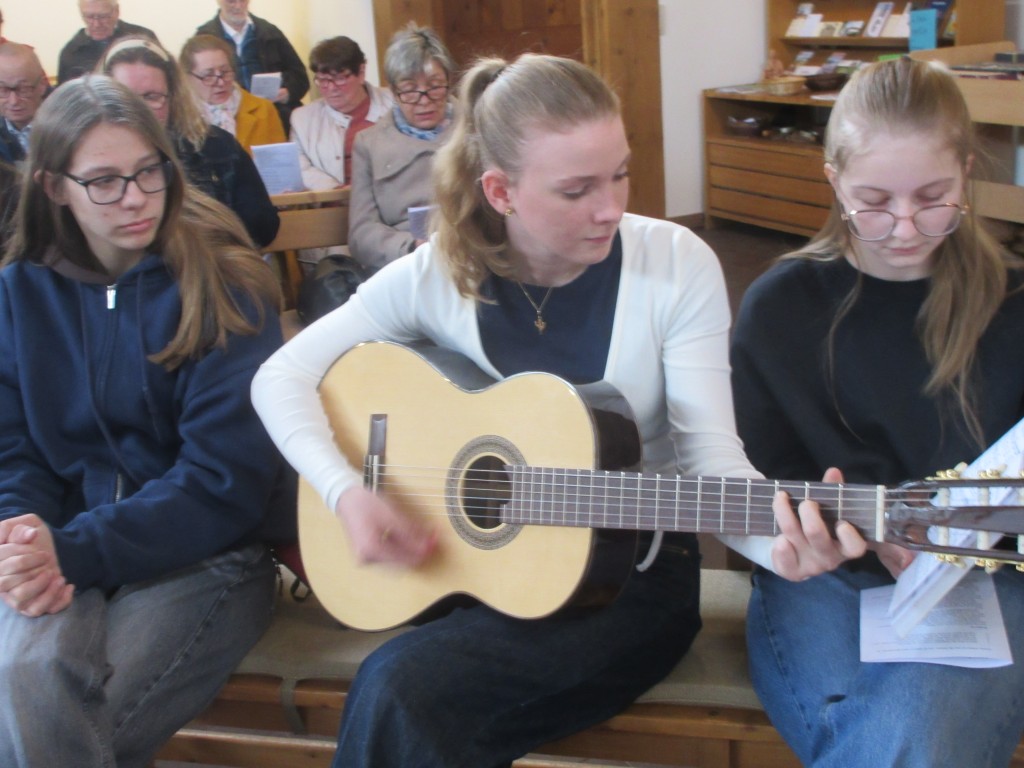 Lieder auf der Gitarre begleiten
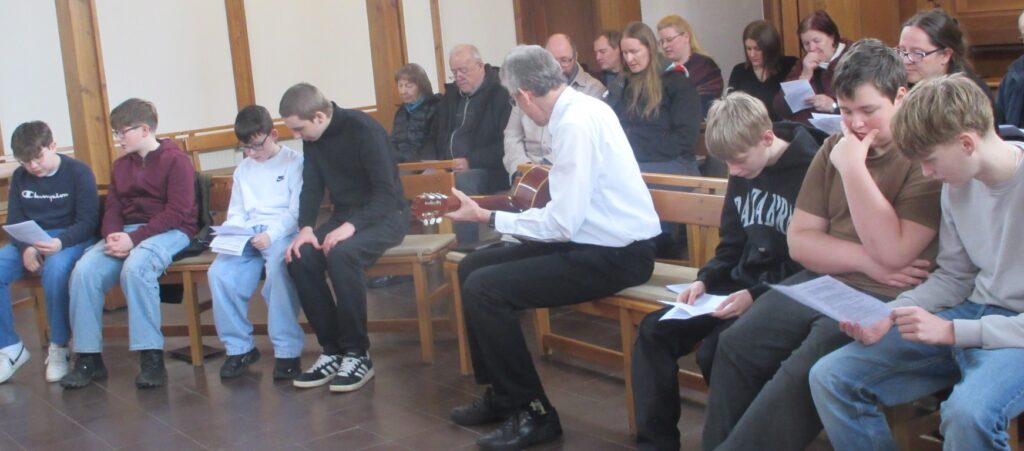 Pfarrer Roland Kelber mit der Gitarre mittendrin
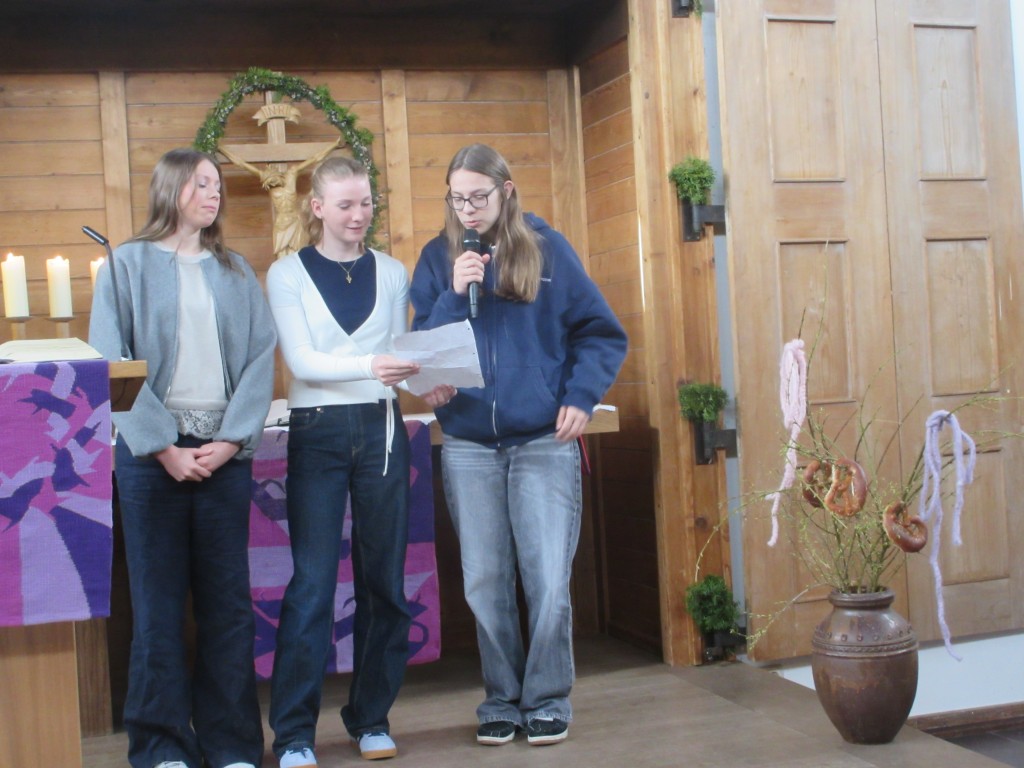 Fürbitten
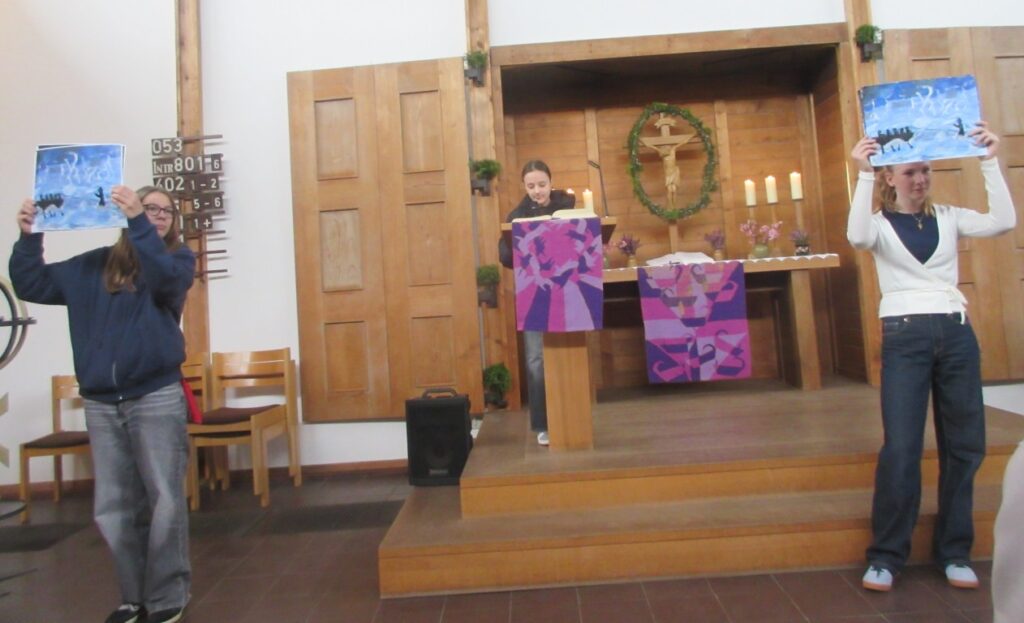 Bebilderte Bibellesung
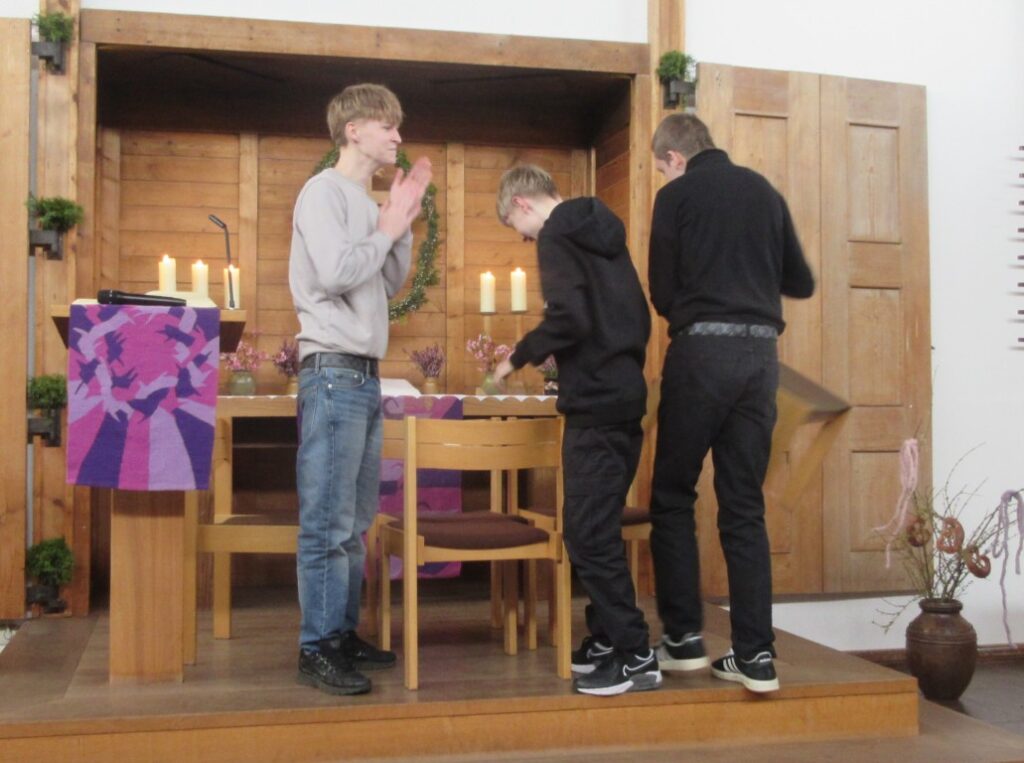 Stummes Anspiel
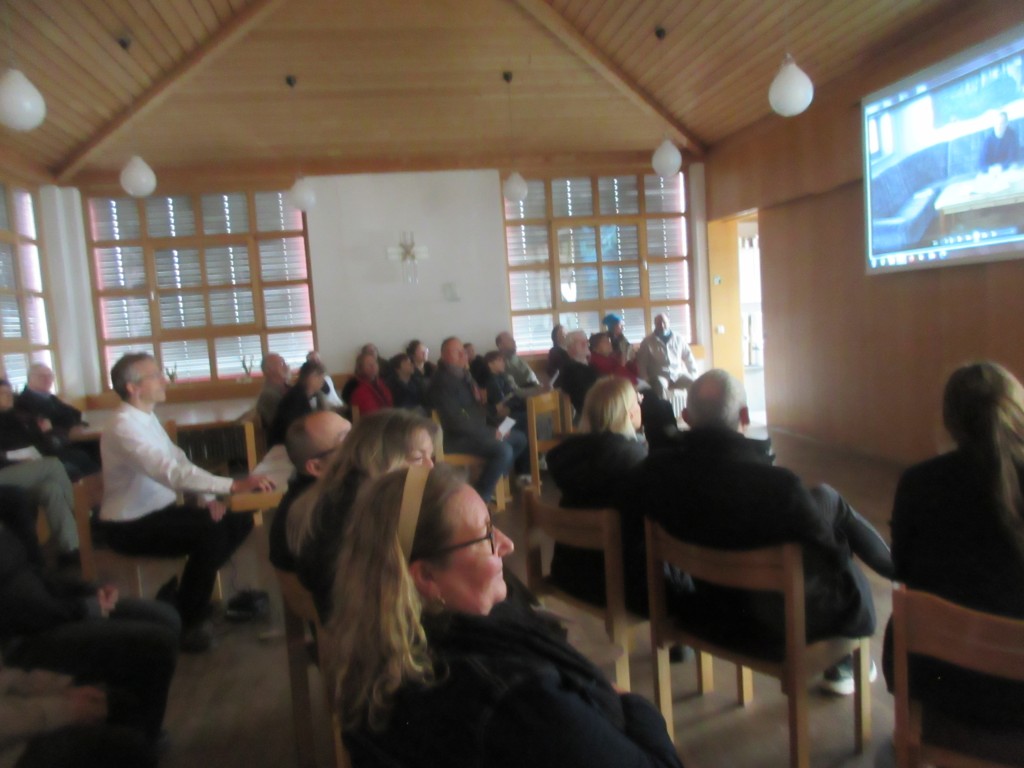 Kurzer Szenenwechsel: Video „Gewissensfragen“ im Gemeindesaal
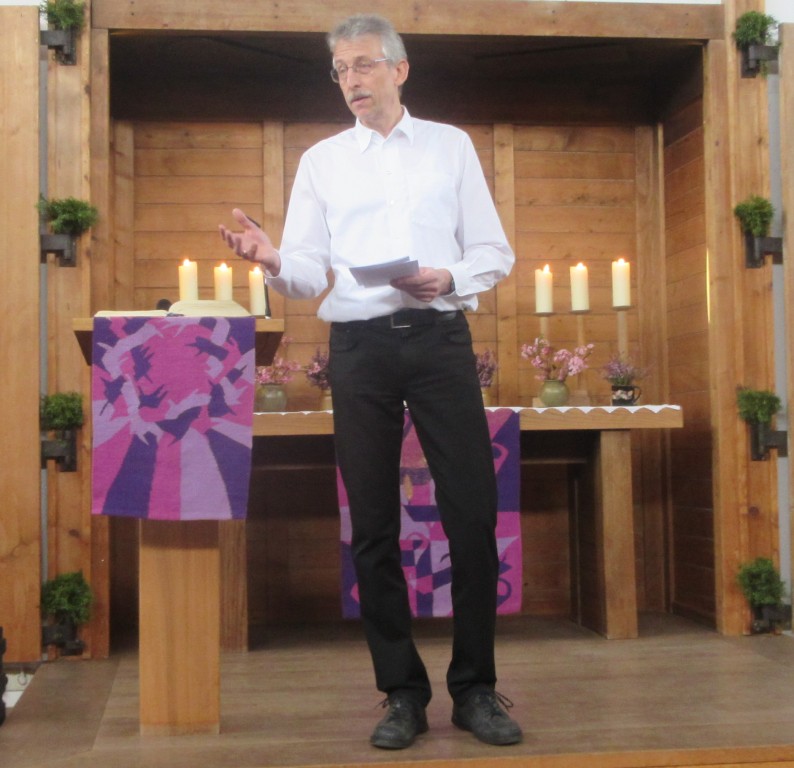 Pfarrer Roland Kelber predigt – diesmal ohne Talar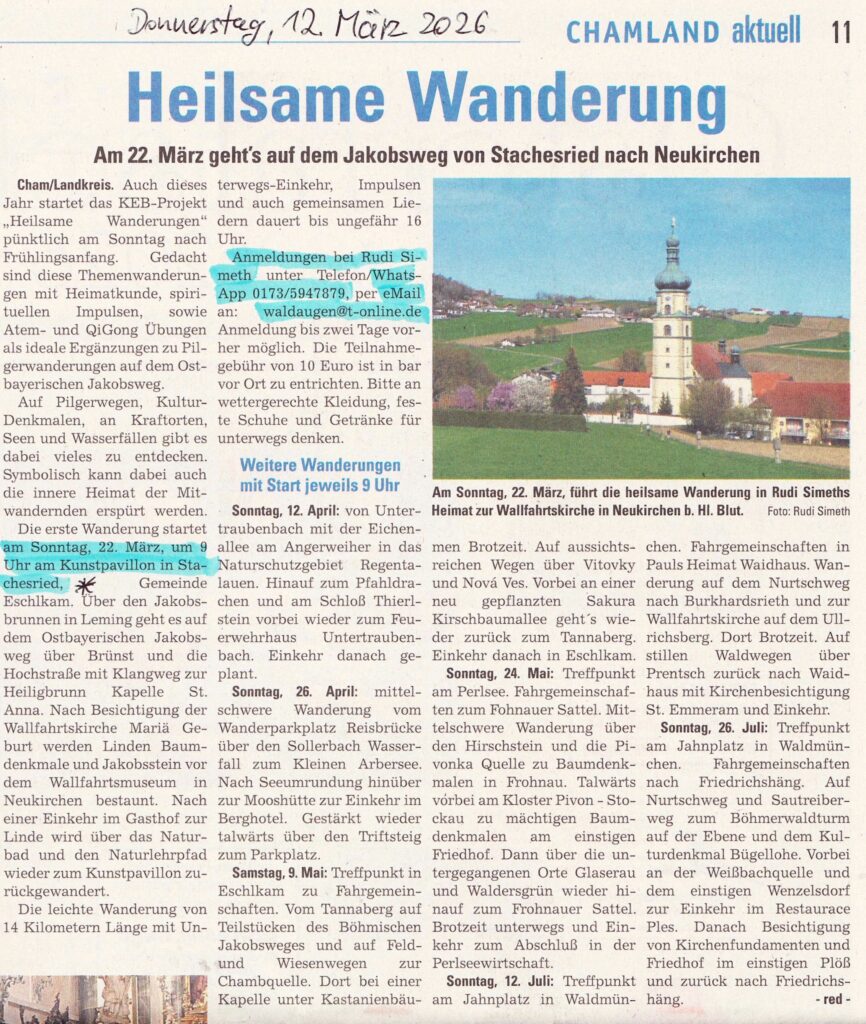
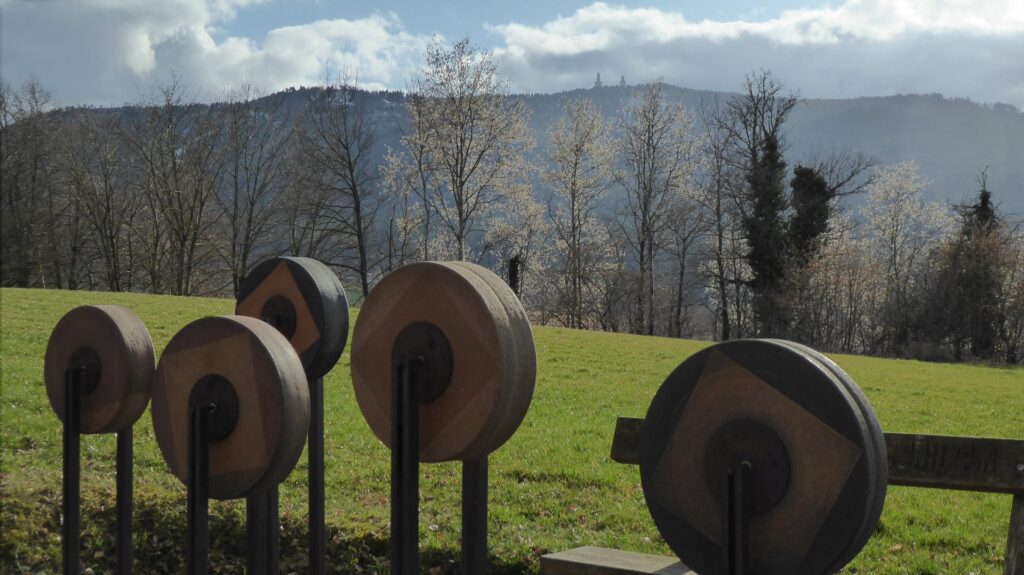
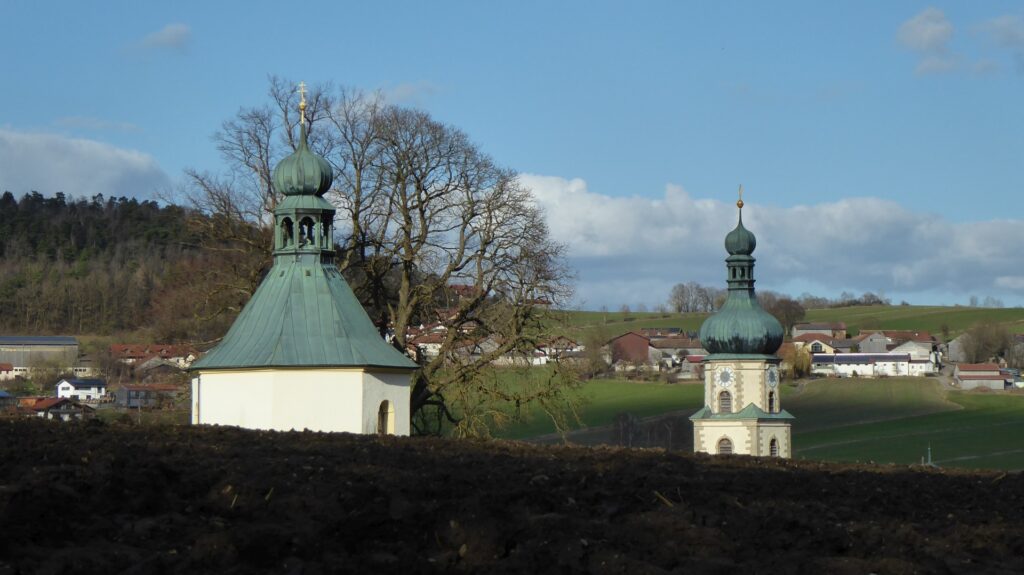
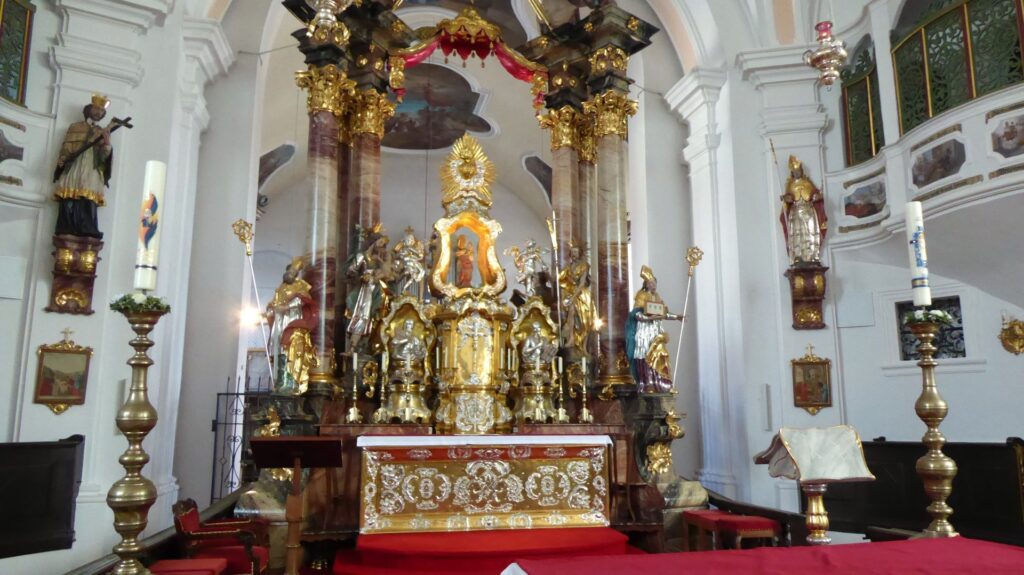
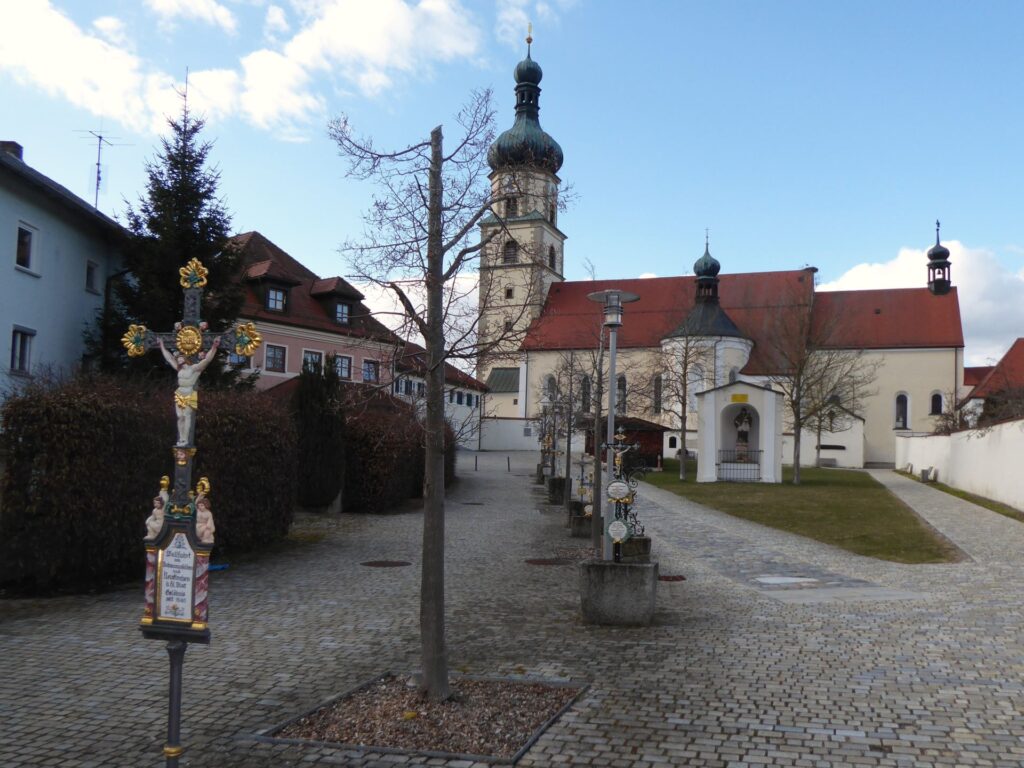
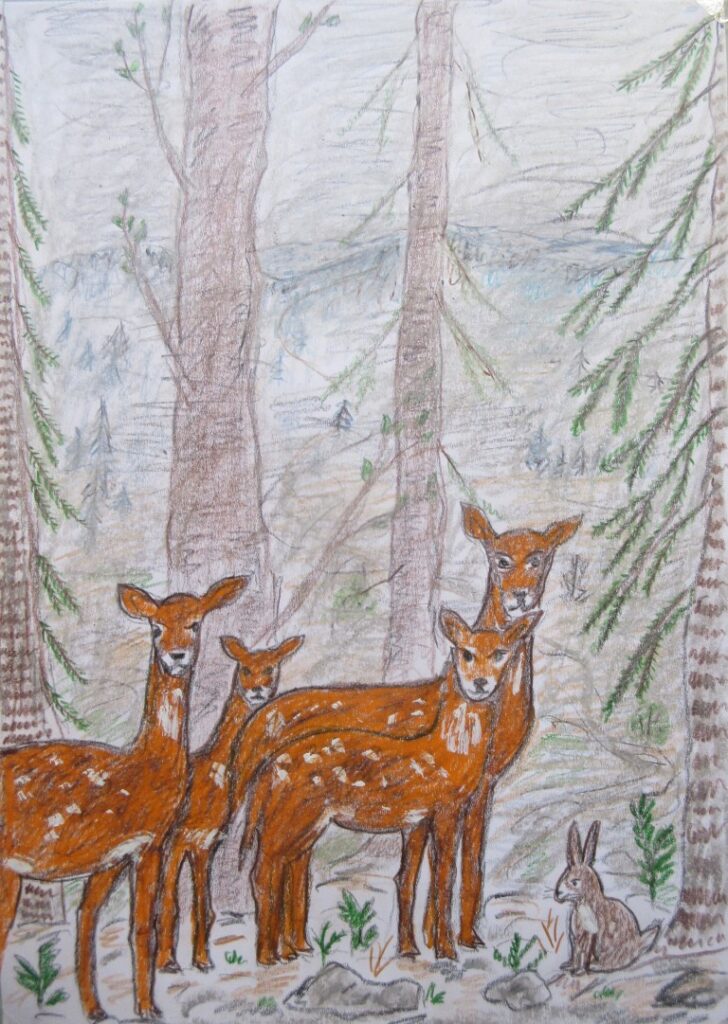 „Stille Wege“ – gezeichnet von Dorothea Stuffer (DIN A 4)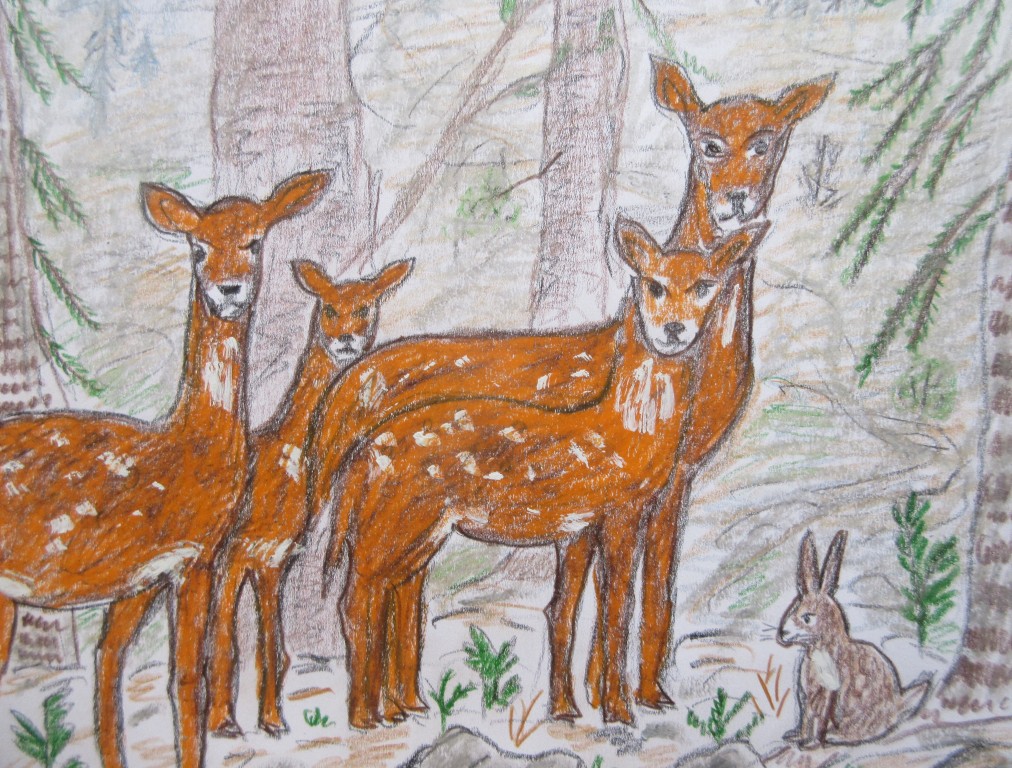
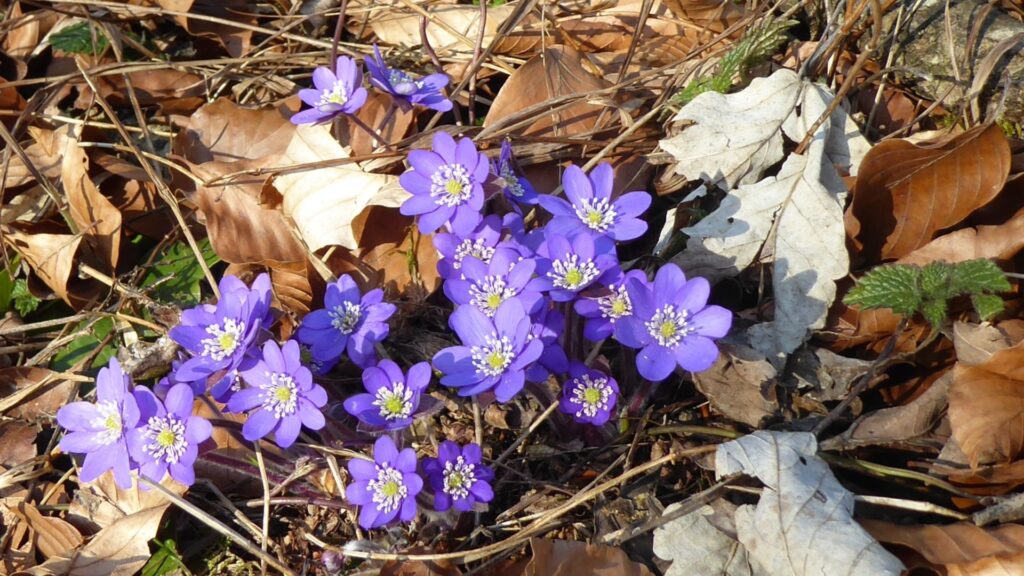
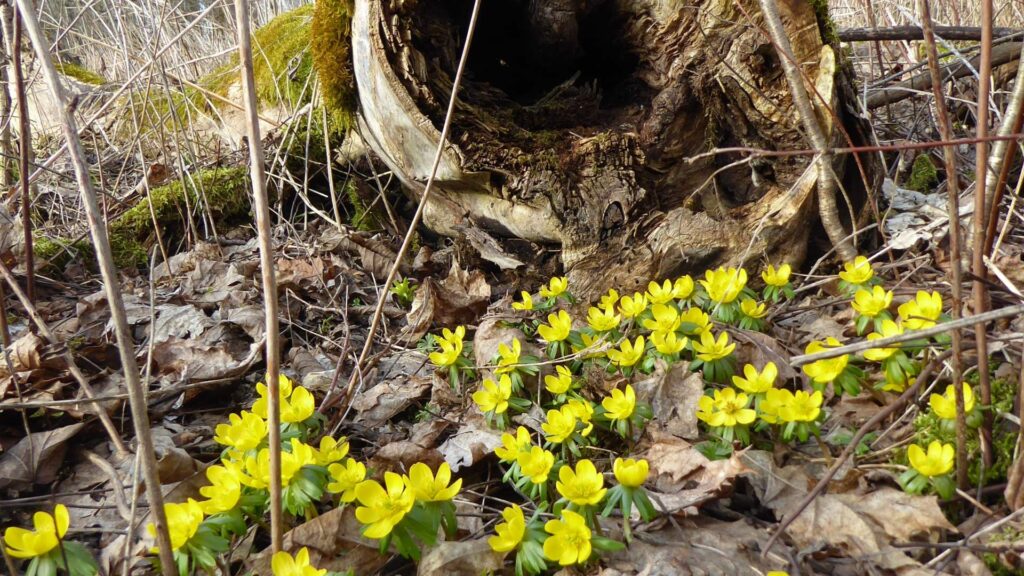
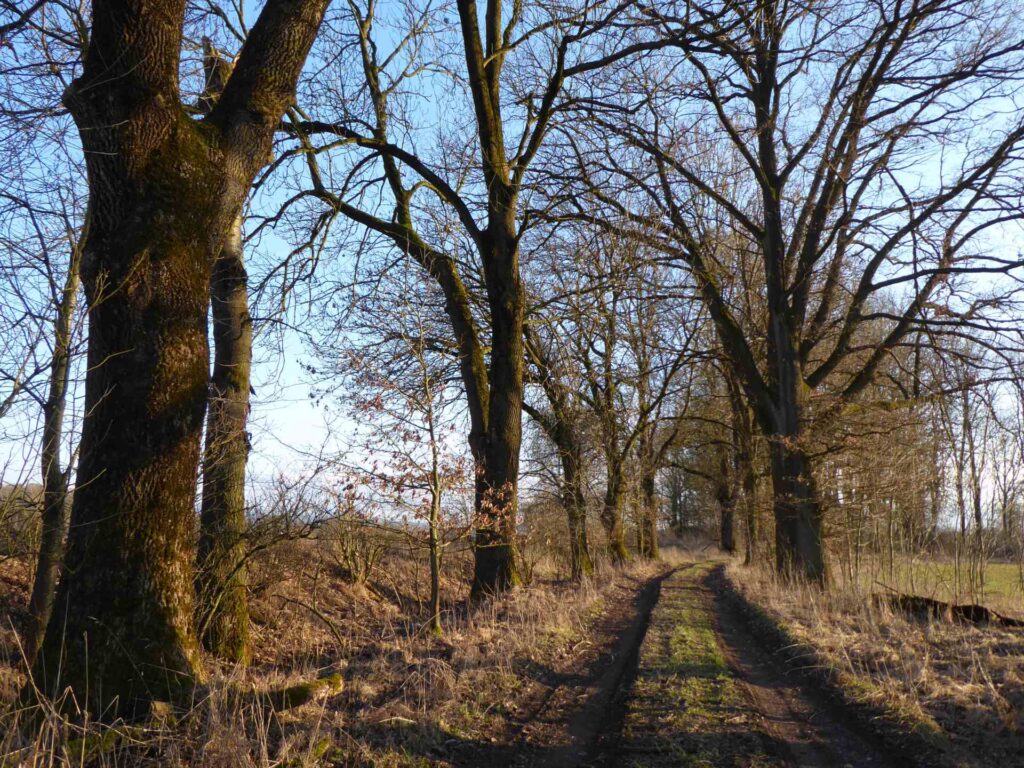


 Darstellung in Blech bei der Bergkirche Zwiesel
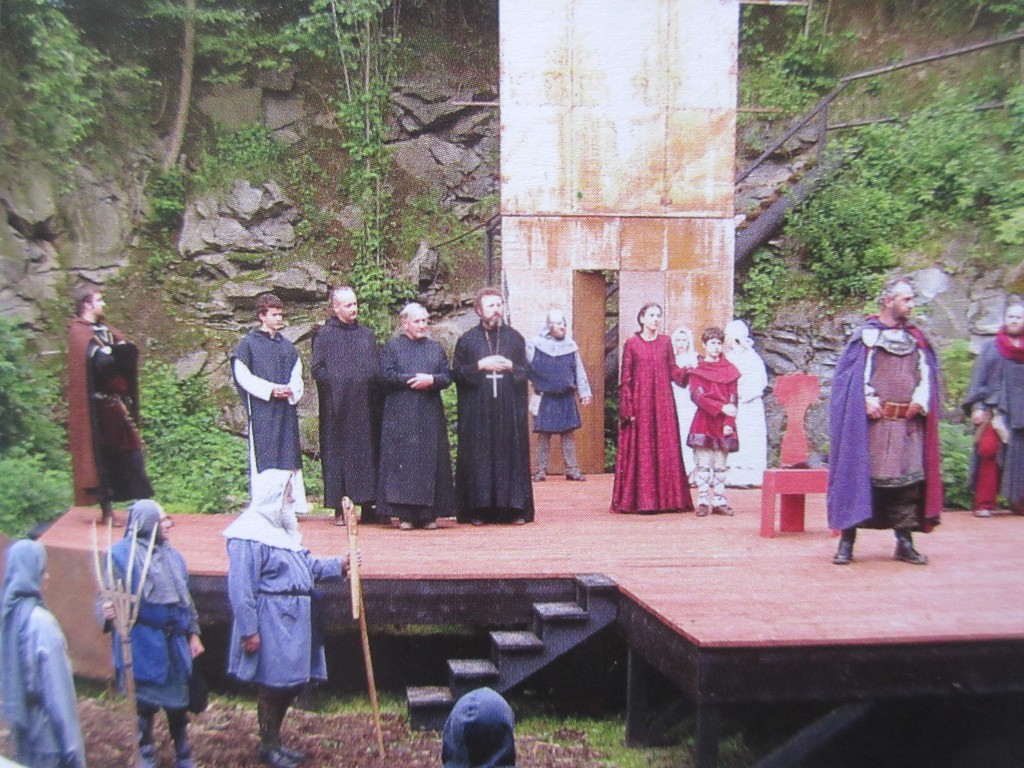 Beeindruckende Freilichtbühne – Foto aus „Der Bayerwald“, Heft 1/2026
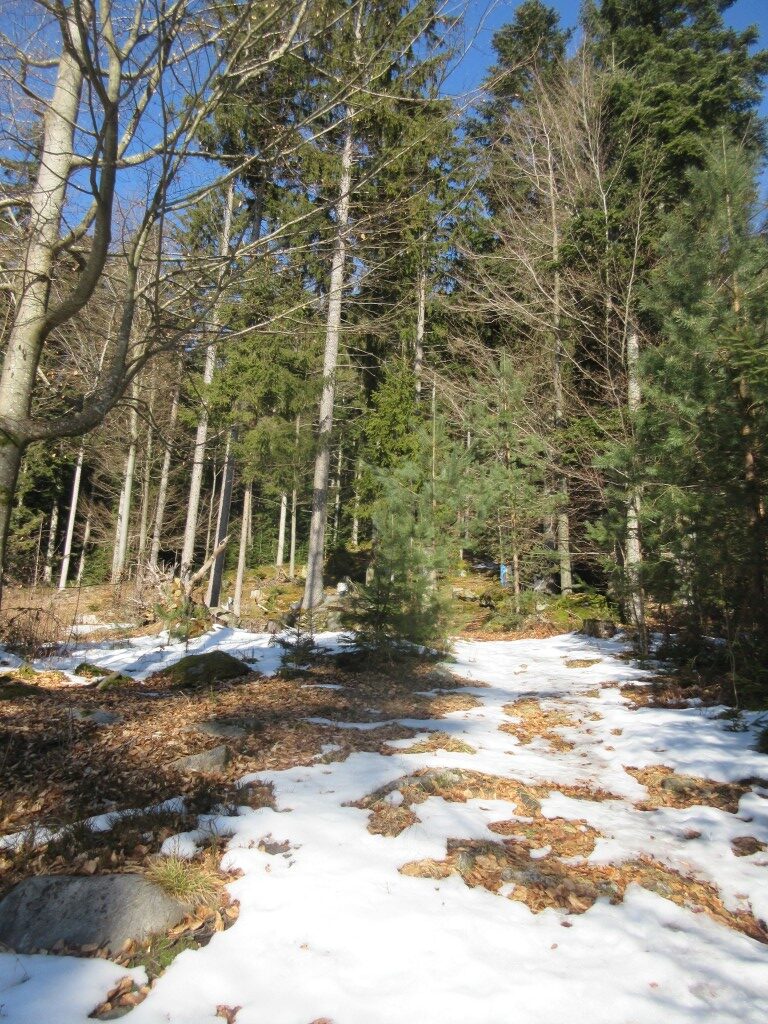 Auf dem Kreuzweg zur Wolfgangskapelle
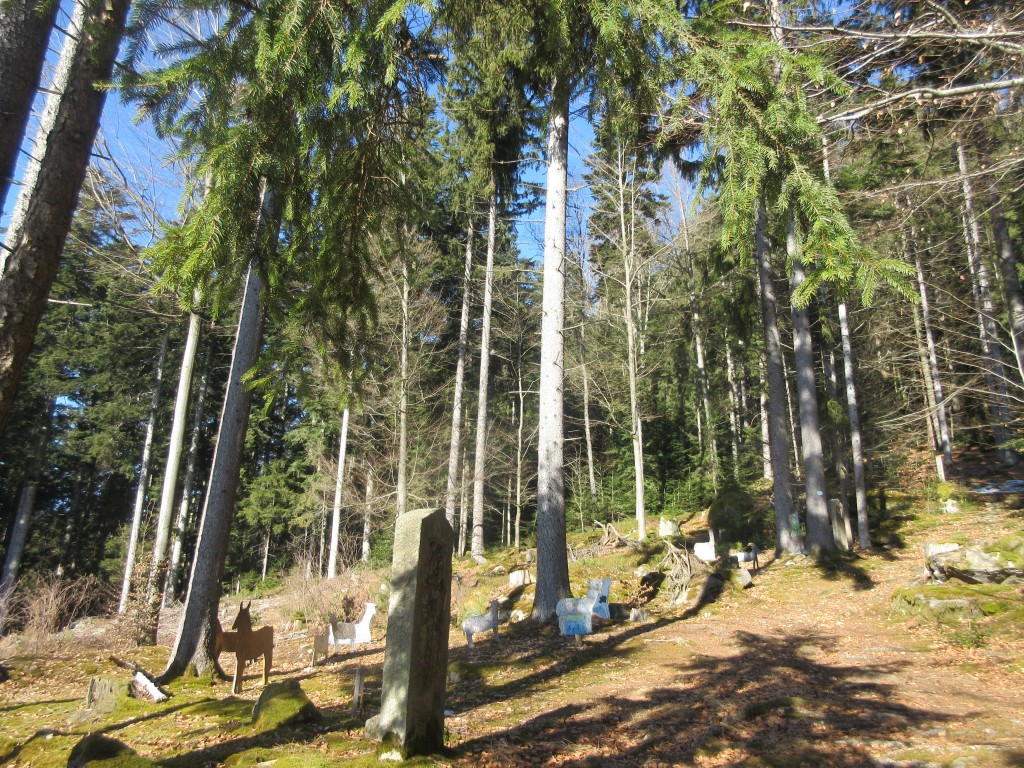 begegnet uns eine Herde Blechtiere
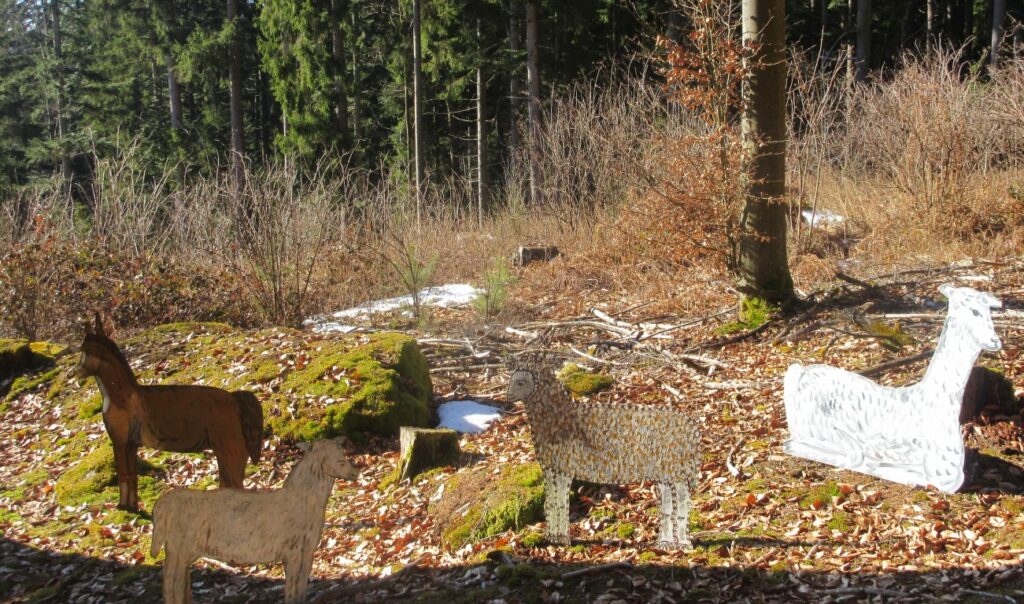 Entspannt stehen oder sitzen die Tiere im Hochwald
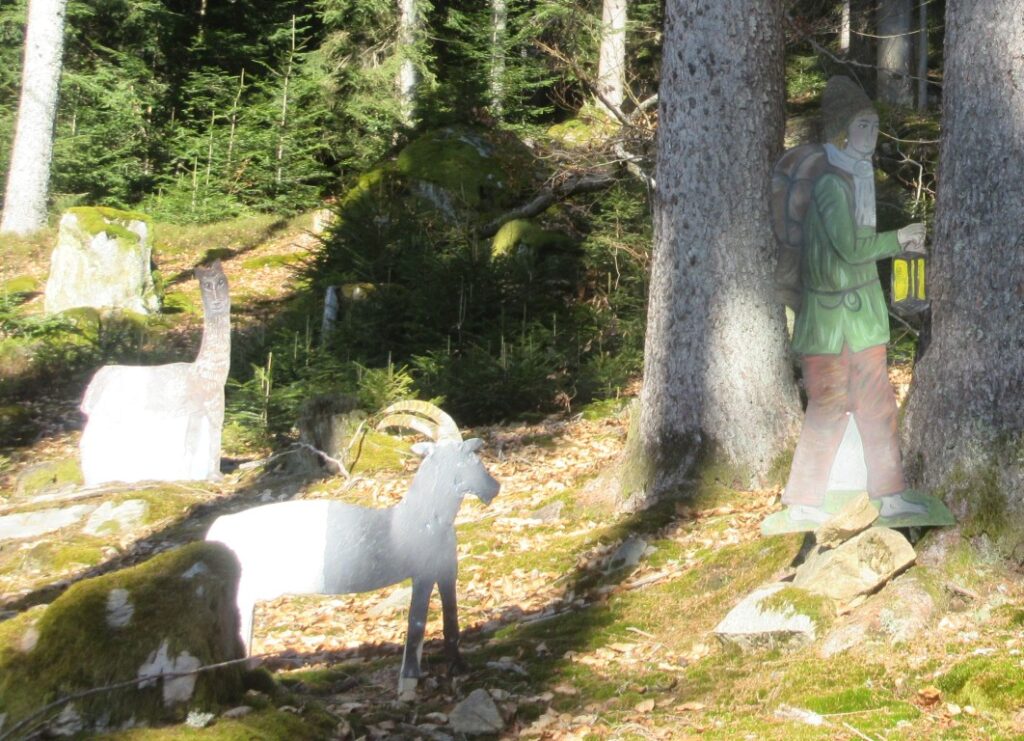 Der Ziegenhirt
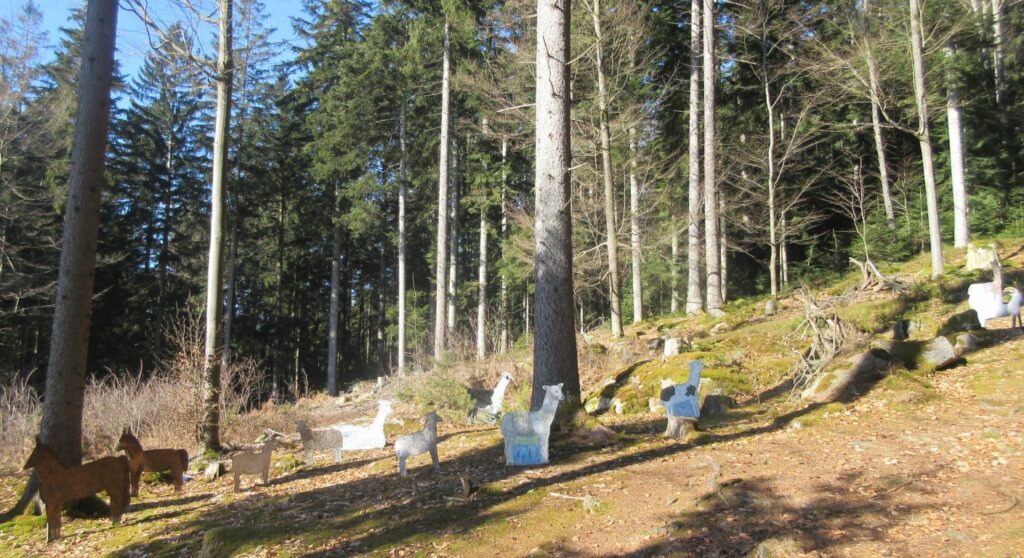 Pferde, Alpakas, Schafe friedlich zusammen
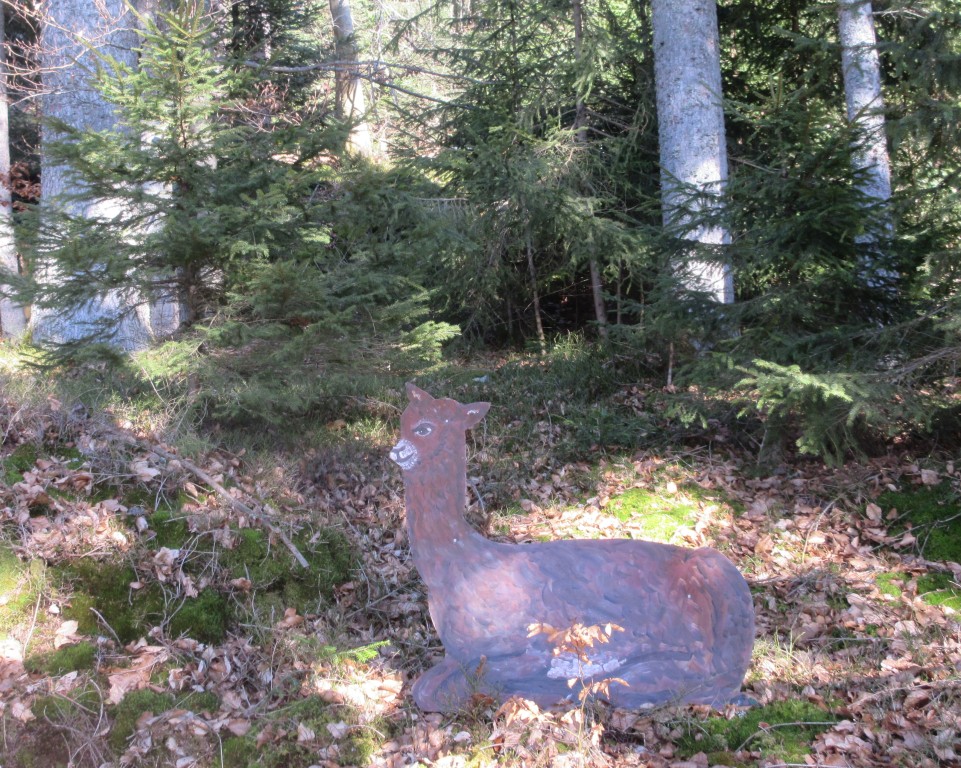 Zwei Winter unbeschadet in freier Natur
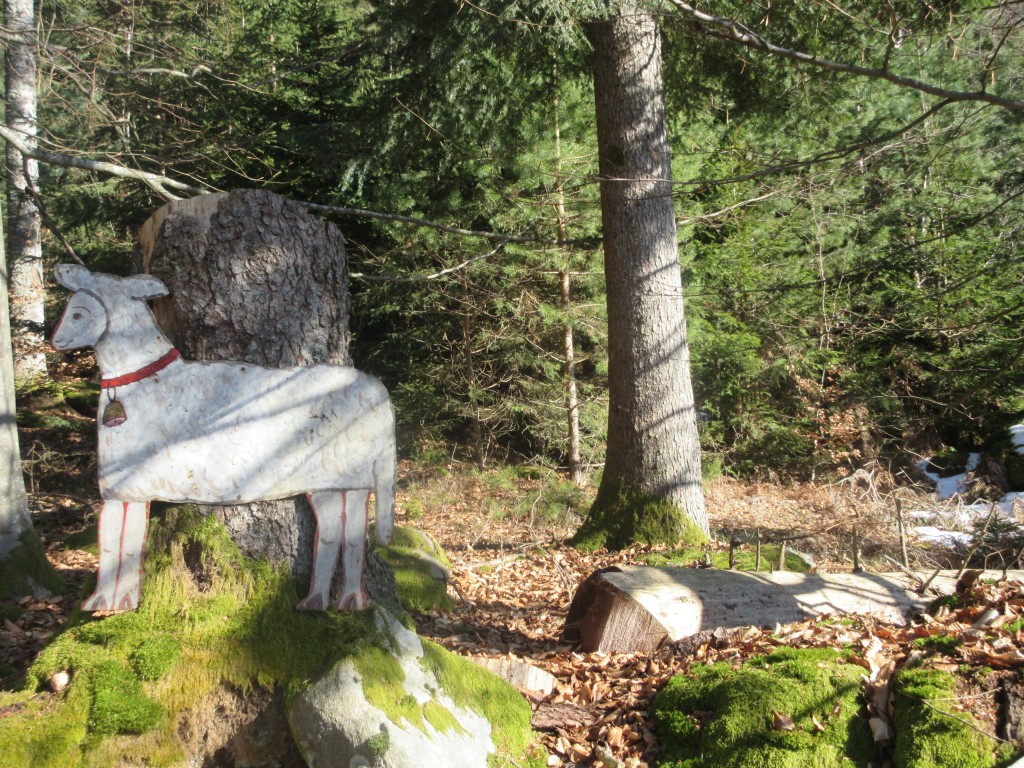 Kletterschaf über Stock und Stein
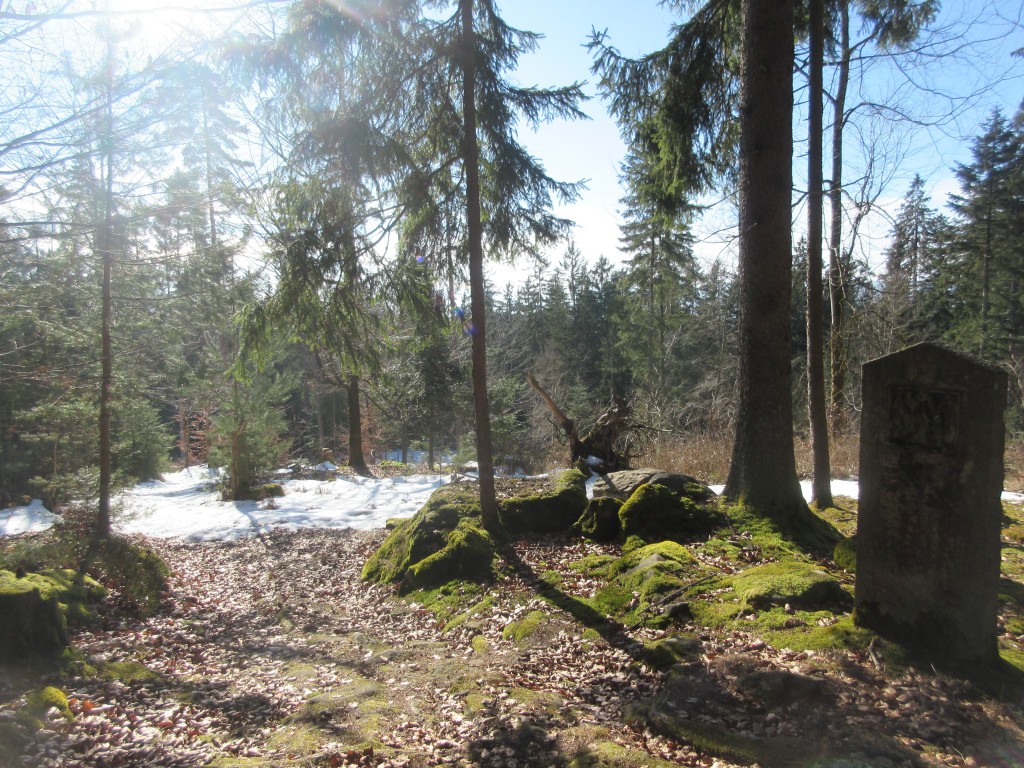 Kreuzwegstation
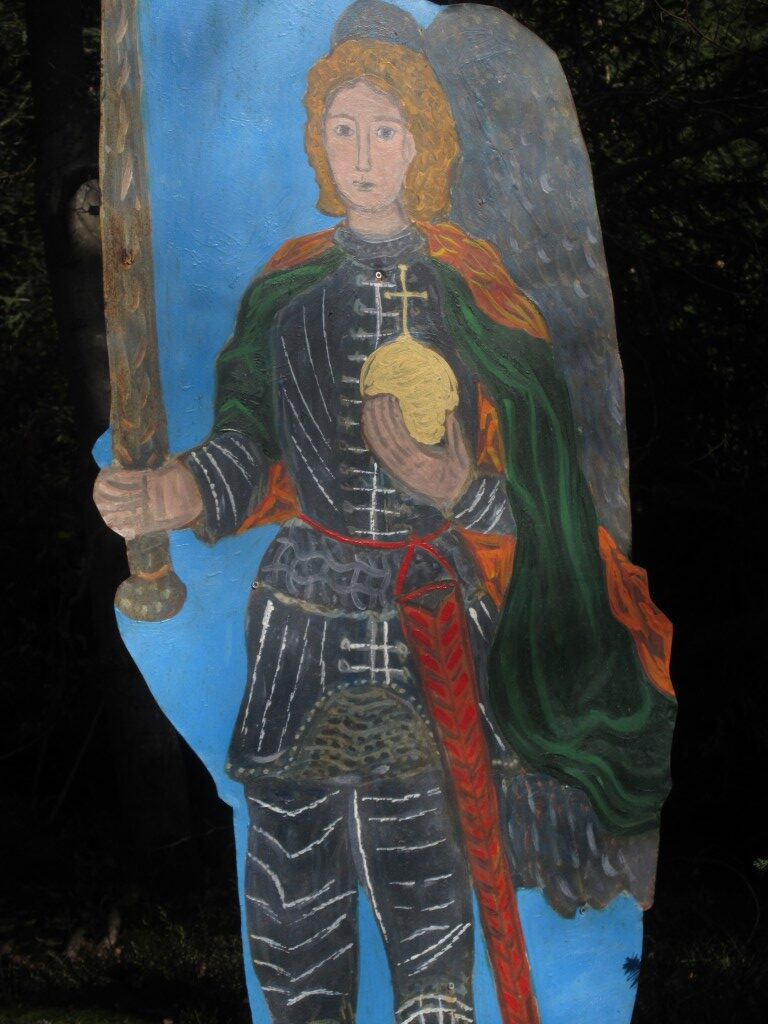 Der Erzengel Michael wacht über die Szene und übers Land
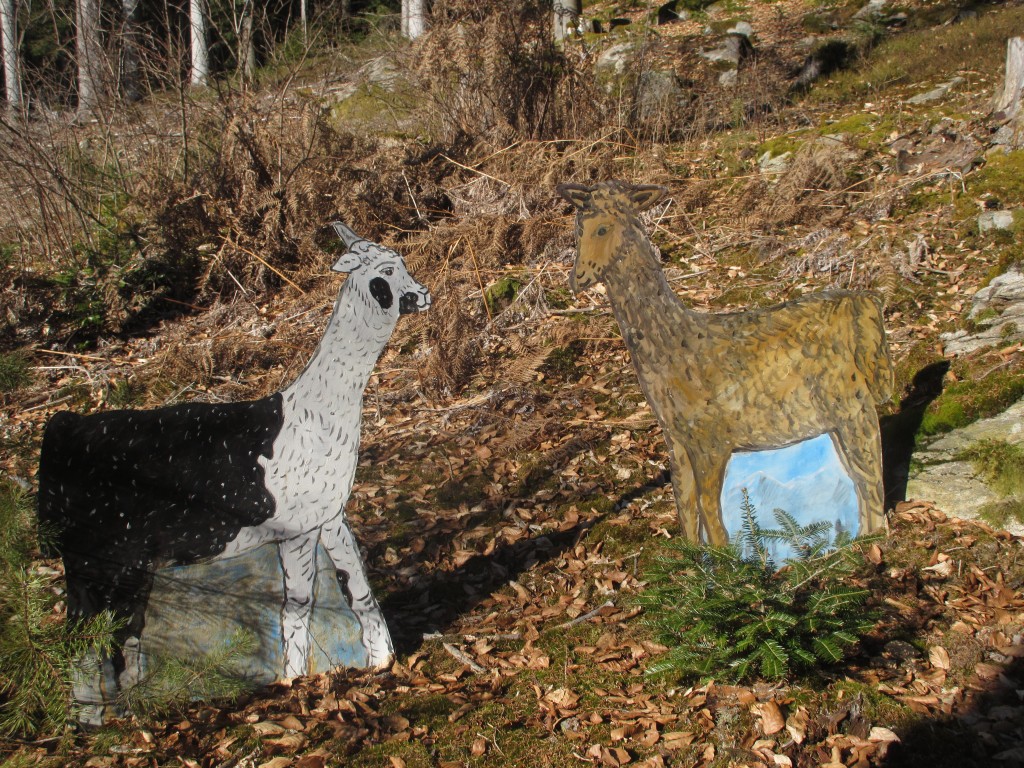 Begegnung
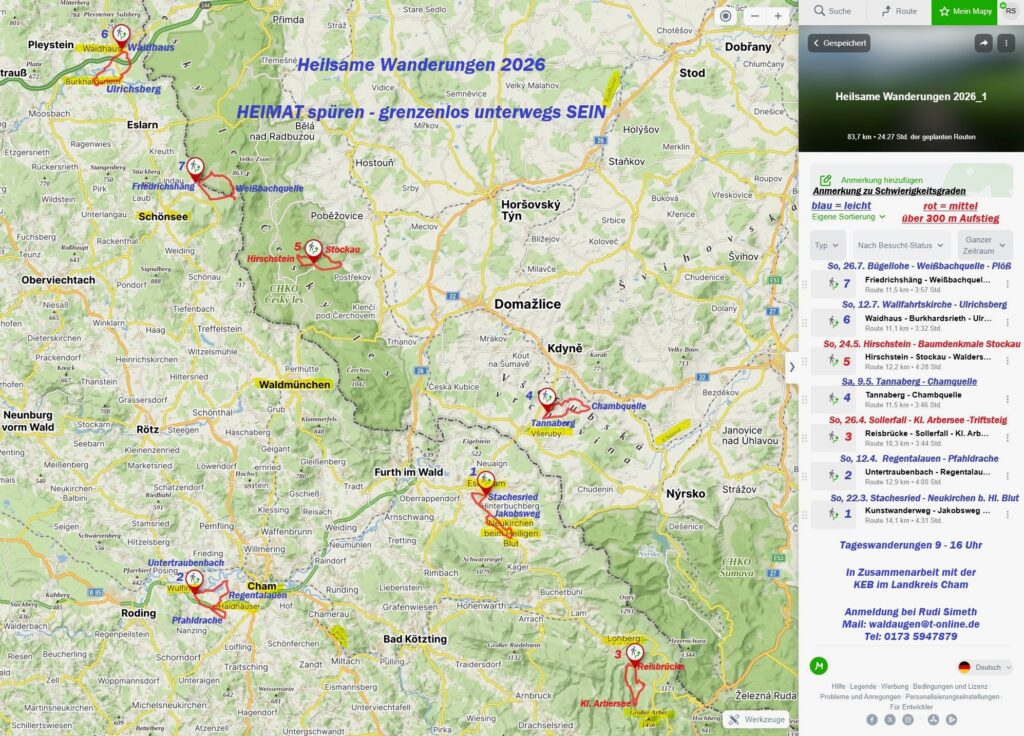 Pilger Rudi Simeth blickt nach vorn – Heilsame Wanderungen fürs Jahr 2026
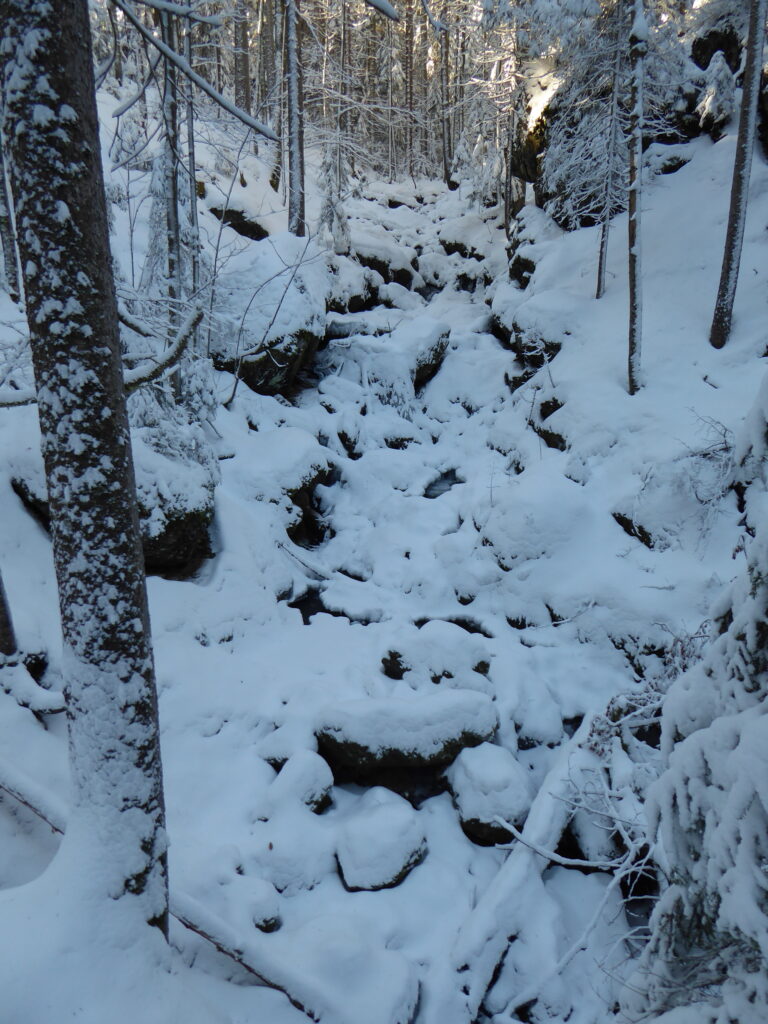
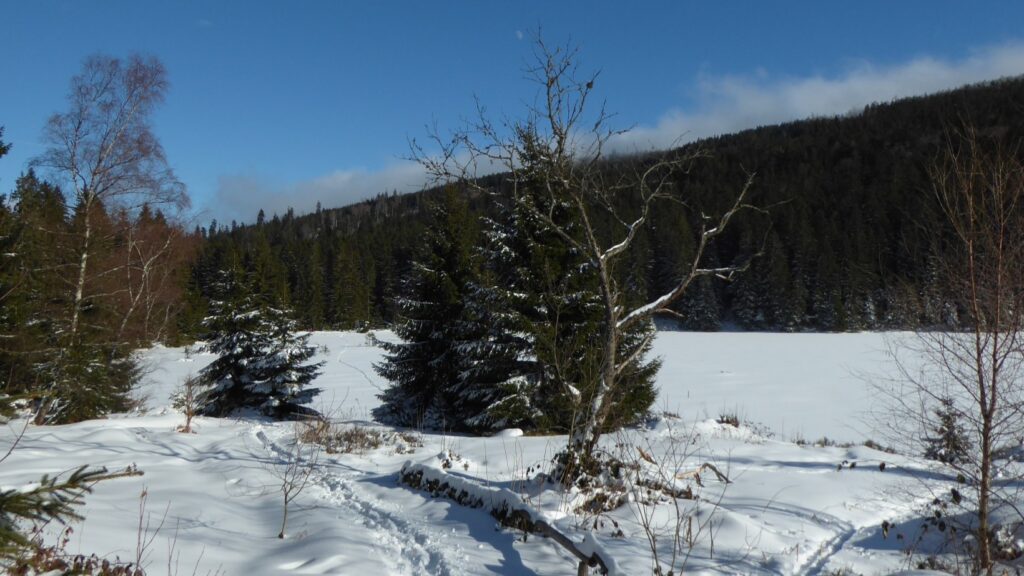
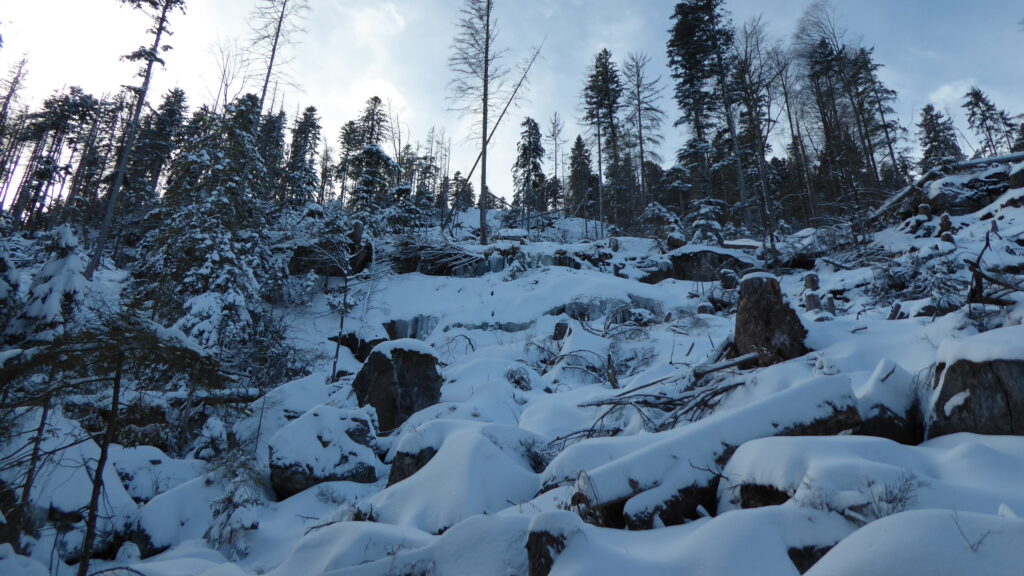
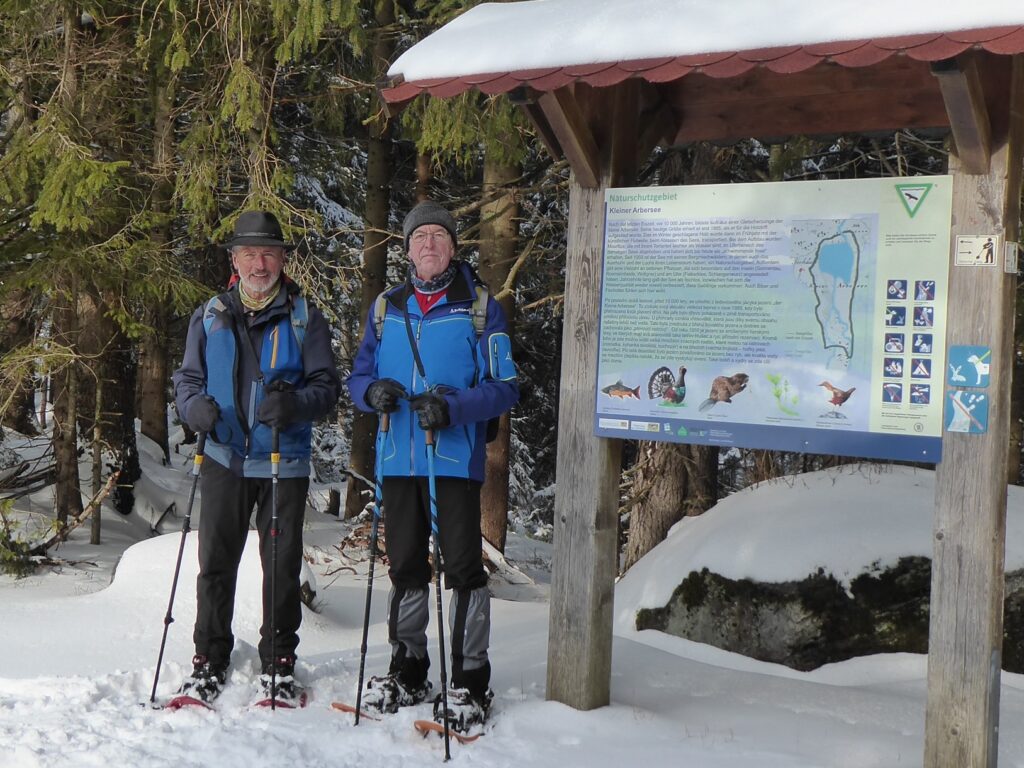 Pilger Rudi und Paul bei ihrer Schneeschuh-Wanderung zum Kleinen Arbersee
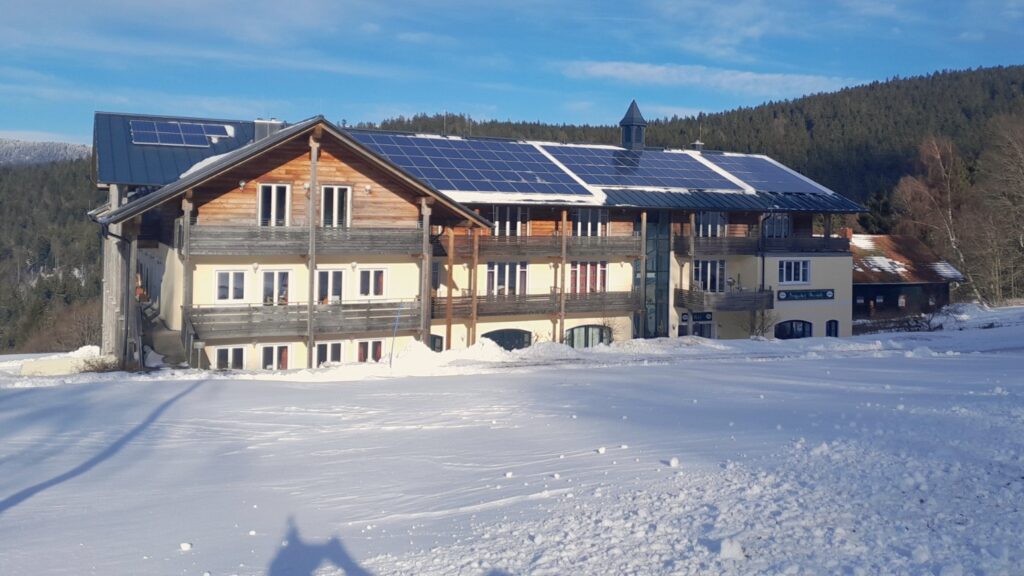 Die Mooshütte – Station zur Einkehr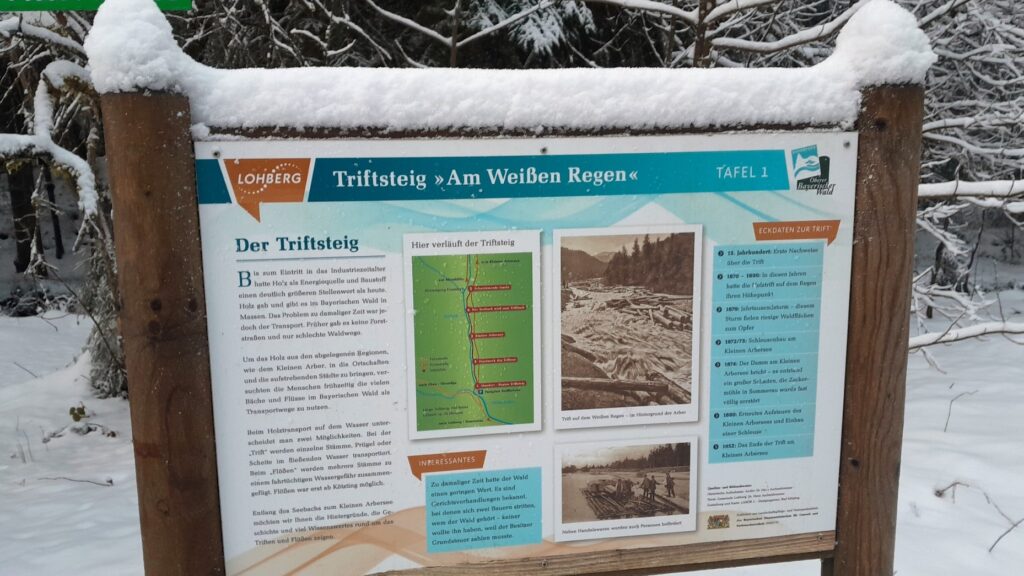
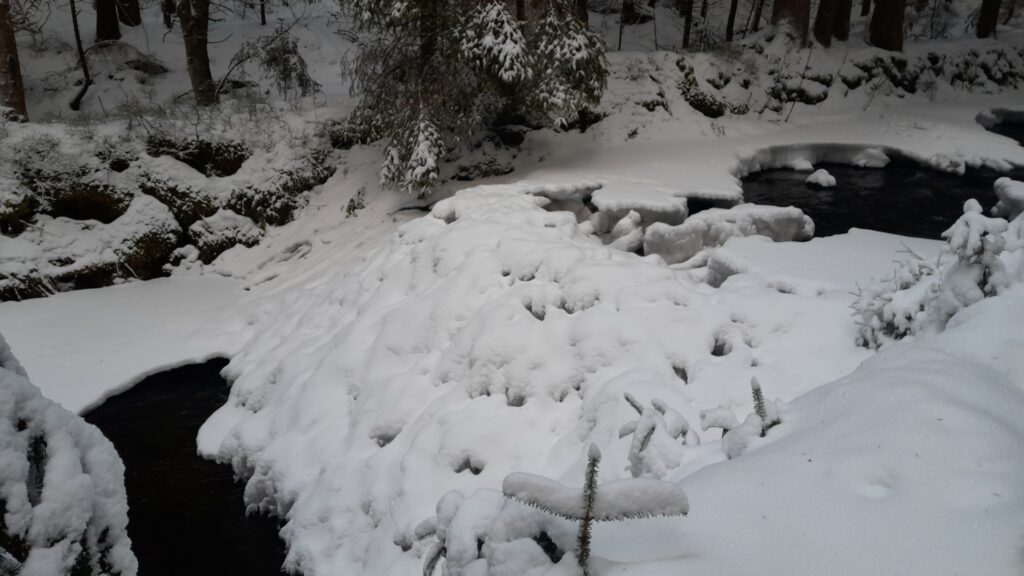
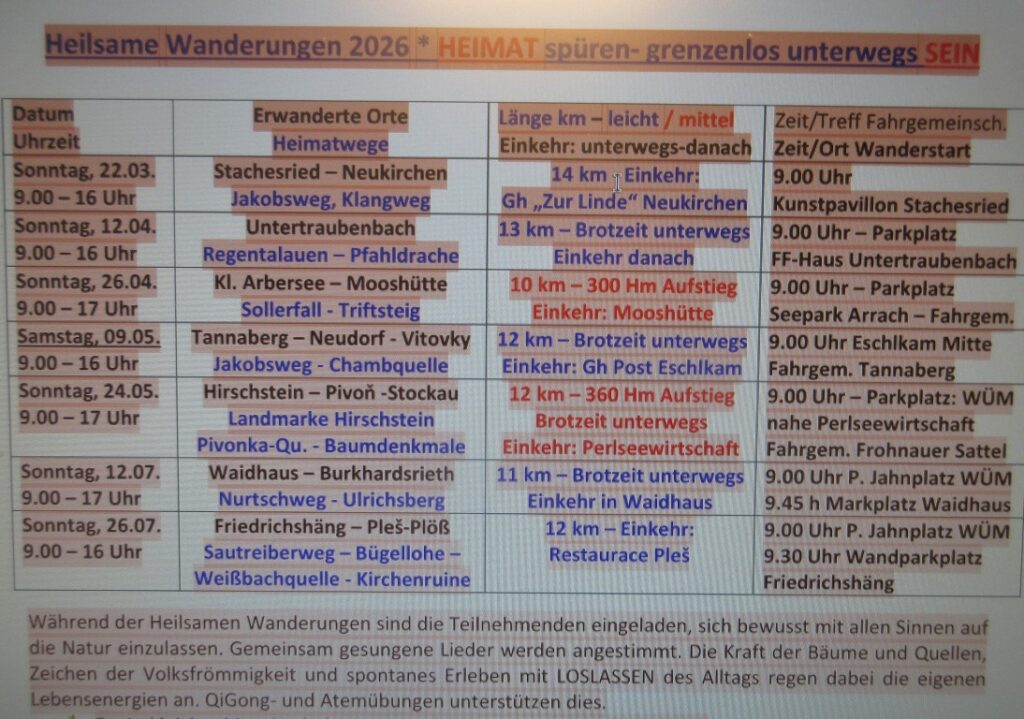 Plan für 2026